
Best OBD2 Scanner for Ford Owners: FORScan, MS-CAN, and Adapter Fit Guide for 2026
The wrong Ford OBD2 scanner usually fails quietly. It may read a generic check engine code and still miss the body control module, climate module, parking aid module, or configuration path you bought it for. That is why this best OBD2 scanner for Ford guide is not a generic scanner ranking. Ford owners who use FORScan have a different buying problem: the adapter must match the vehicle network, the app platform, and the job risk.
The practical answer is simple. Choose the adapter around the workflow first, then the price. OBDLink EX is the safest starting point for Windows FORScan work. OBDLink MX+ makes more sense when iOS, Android, Bluetooth, and third-party app flexibility matter. Vgate vLinker FS USB can be a lower-cost Windows USB option, but it deserves extra compatibility homework before checkout.
Scope note: Premerinn has not performed first-hand bench testing on these adapters. This guide is based on official FORScan documentation, the FORScan adapter forum guide, official OBDLink and Vgate product pages, OBDLink app compatibility information, and CARB OBD II guidance checked on May 9, 2026. Prices and firmware support can change. See our editorial policy and about page for how we separate source-backed analysis from merchant claims. If commerce links are added by the publishing system, our disclosure is here: affiliate disclosure.
Best OBD2 scanner for Ford: quick answer by job
If you already know the job, start here instead of reading a universal ranking.
| Ford owner profile | Better starting point | Why |
|---|---|---|
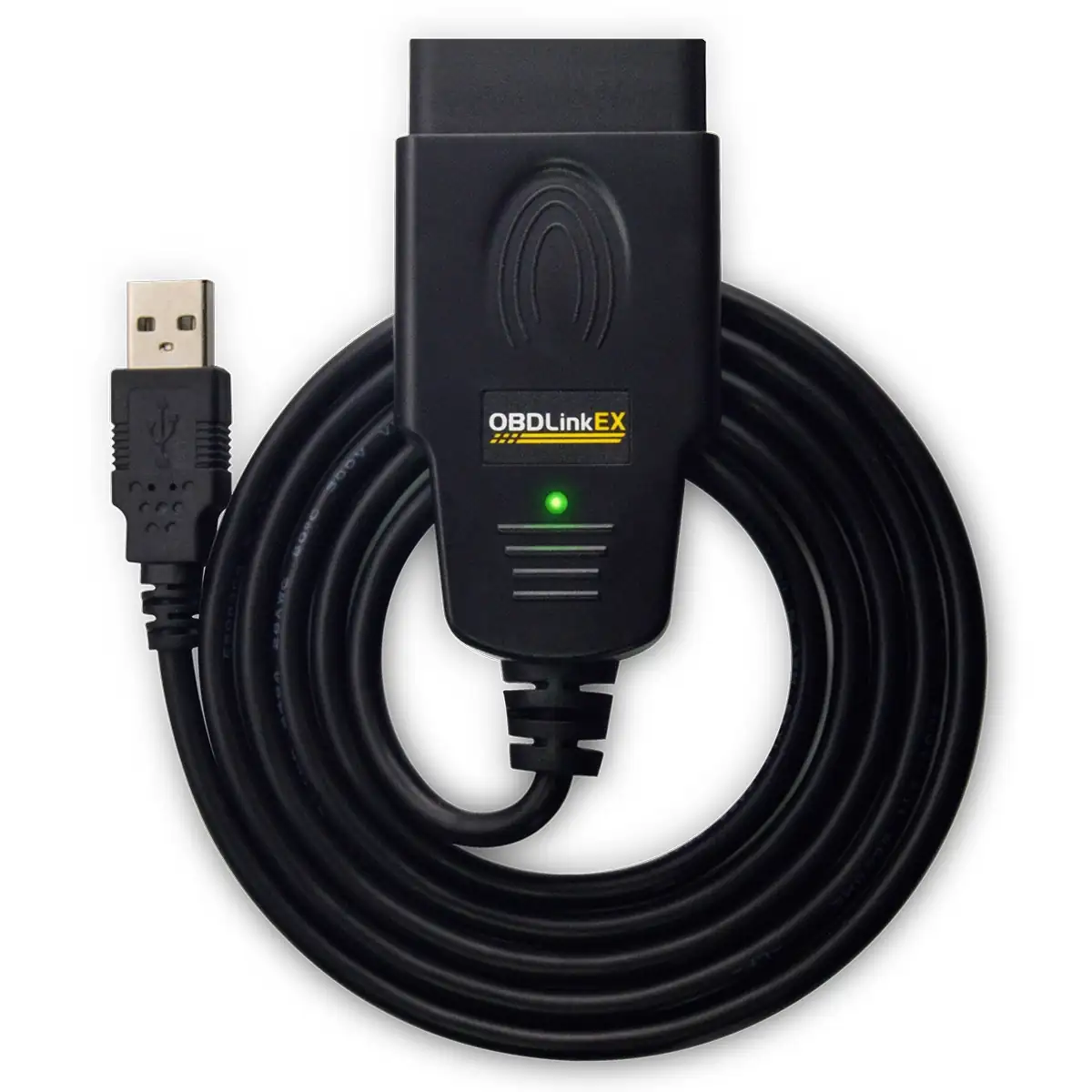
| Windows laptop, FORScan configuration, module setup, programming research | OBDLink EX | FORScan lists it as the recommended USB adapter for Windows and configuration work |
| iPhone or Android, FORScan Lite, general enhanced diagnostics, app flexibility | OBDLink MX+ | OBDLink lists iOS, Android, Windows, Ford MS-CAN, and broad app compatibility |
| Budget Windows USB path for FORScan | Vgate vLinker FS USB | Vgate lists automatic switching and Ford MS-CAN support, but verify firmware and drivers |
| Generic check engine light only | A simpler scanner may be enough | Full FORScan hardware may be unnecessary if you only need emissions-related OBD2 codes |
For most Ford owners researching FORScan, OBDLink EX is the conservative pick because USB reduces connection risk and FORScan names it for Windows use. OBDLink MX+ is not worse, but it solves a different problem: mobile app use and multi-app flexibility. Vgate vLinker FS USB is attractive on price, but lower price should not replace verification.
If your scanner search is still broader than Ford, start with our Bluetooth OBD2 scanner guide and then use this page when Ford-specific module access becomes the deciding factor.
Why Ford scanner choice is different
Generic OBD2 and Ford enhanced diagnostics are not the same thing. CARB explains that 1996 and newer U.S. gasoline and alternate-fuel passenger cars and trucks are required to have OBD II systems, with diesel passenger cars and trucks covered from 1997 onward. That baseline helps with emissions-related diagnostics, but it does not prove that a scanner can reach every Ford module or run every service function.
FORScan is built for Ford, Mazda, Lincoln, and Mercury vehicles. The official FORScan home page says it can detect modules regular OBD2 scanners cannot see, show and reset codes regular OBD2 scanners may not display, run service procedures, and perform configuration and programming functions in the Windows version with an extended license.
The adapter matters because Ford vehicles can use multiple networks. FORScan lists Ford HS-CAN and Ford MS-CAN separately, and its supported bus notes limit MS-CAN support to certain adapters or modified hardware. That is the trap. A cheap adapter can fit the port and still be the wrong tool for the Ford module you need.
OBDLink EX: the safest starting point for Windows FORScan
The official OBDLink EX product page describes EX as made for FORScan and recommended by the FORScan team. It lists electronic MS-CAN/HS-CAN switching, Ford MS-CAN support, USB 2.0, Windows Vista or newer support, and a 3-year warranty. The page showed $69.95 when checked on May 9, 2026.
That combination makes EX the best fit for the Ford owner who plans to sit in the driver seat with a Windows laptop and use FORScan for deeper work. USB is less convenient than Bluetooth, but convenience is not the highest priority when the job involves configuration, programming research, or module access. A stable wired connection is easier to defend than a wireless setup when the task is more than reading a generic code.
The main limitation is platform fit. EX is not the easiest choice for a phone-first user. If your normal workflow is iPhone or Android, MX+ may be more comfortable. But if your actual goal is Windows FORScan, EX is the cleanest first product to evaluate.
OBDLink MX+: better when mobile apps matter
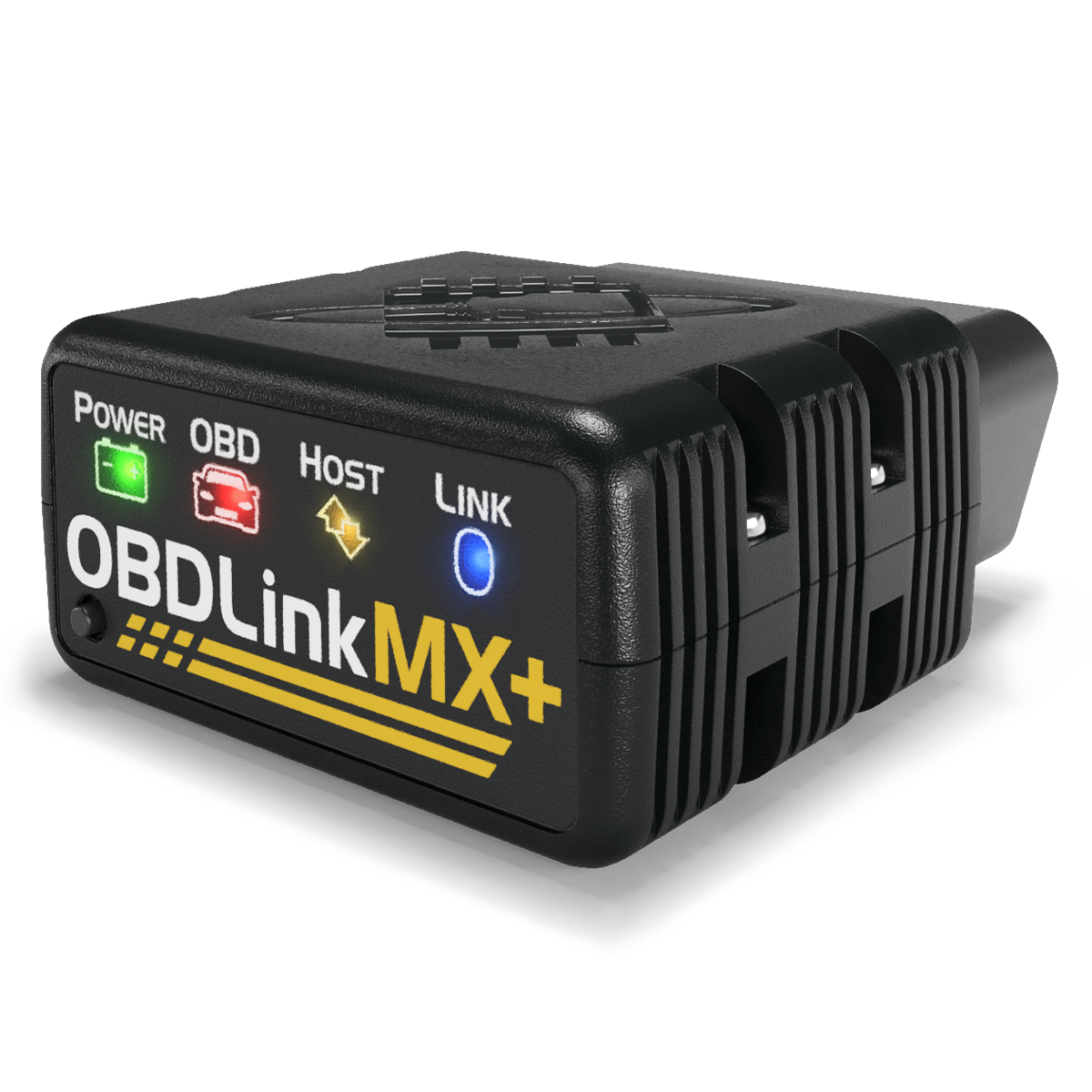
The official OBDLink MX+ product page lists iOS, Android, and Windows support, Bluetooth 3.0, Ford MS-CAN, GM SW-CAN, BatterySaver low-power mode, secure pairing, free firmware updates, and a 3-year warranty. The page showed $139.95 when checked on May 9, 2026.
MX+ is the better Ford fit when the scanner is also expected to serve as a general-purpose Bluetooth adapter. OBDLink's compatible apps page lists FORScan Lite compatibility with MX+, plus other apps such as OBD Fusion, DashCommand, Carista, and Torque. That broader app ecosystem is the reason to consider MX+ over a cable.
The tradeoff is job risk. Bluetooth and app flexibility are useful for live data, quick checks, and multi-vehicle diagnostics. They are less persuasive if the job is a Windows FORScan configuration procedure where the official adapter recommendation points toward USB. If you are deciding between EX and MX+, define the app platform first. Windows FORScan points to EX. Mobile diagnostics and iOS support point to MX+.
For a deeper look at the Bluetooth adapter side, read our OBDLink MX+ review.
Vgate vLinker FS USB: lower price, more homework
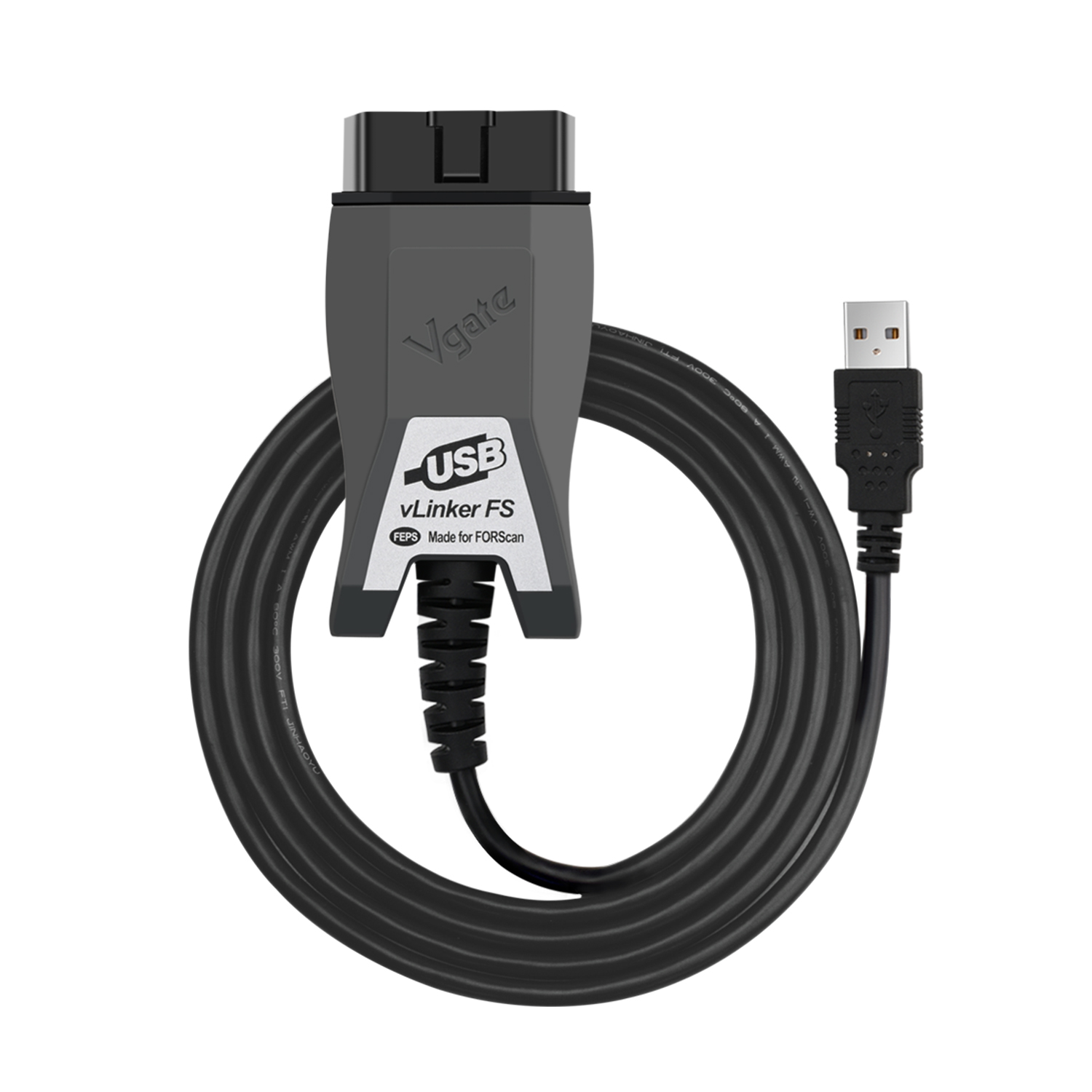
The official Vgate vLinker FS USB page lists FORScan recommendation language, automatic electronic switching, Ford MS-CAN support, 12V and 24V OBD2 compatibility, and Ford, Mazda, Lincoln, and Mercury positioning. It showed $34.99 sale pricing and $39.99 regular pricing when checked on May 9, 2026.
That makes vLinker FS USB interesting for a Ford owner who wants a lower-cost Windows USB path. The feature list is pointed at the right problem: automatic switching, MS-CAN, and FORScan use. It is not just a random generic dongle with a Ford keyword in the listing.
The caution is support verification. Before relying on vLinker FS USB for a real vehicle, confirm the seller, return window, current firmware, driver path, Windows version support, and whether other owners with your model year have used it successfully. Vgate's own page includes firmware notes for older vehicles, which is a reminder that this is not a plug-and-forget decision.
Use this Ford adapter decision tree
Start with the job, not the adapter.
If you only need to read a check engine code, clear a generic code, or check emissions readiness, a full FORScan-oriented adapter may be more than you need. Our OBD2 scanner compatibility guide explains the difference between basic OBD2 and enhanced access.
If you need FORScan on a Windows laptop, put OBDLink EX first. It is the adapter FORScan names for Windows and configuration work, and it avoids the extra variables of Bluetooth pairing. That does not mean it is the only adapter that can work. It means it is the most defensible starting point.
If you need Ford diagnostics on a phone, or you want one adapter for multiple apps and brands, put OBDLink MX+ first. It costs more than EX, but it covers iOS and Android workflows that EX is not designed to serve as cleanly.
If budget is the main constraint, compare Vgate vLinker FS USB against EX with the whole cost in mind. A cheaper adapter is not cheaper if driver setup, firmware updates, or a failed module connection costs you the weekend. Buy from a seller with a real return path and test it immediately.
If software cost is part of the decision, use our OBD2 scanner deals and software cost guide before treating hardware price as the final price.
Common Ford scanner buying mistakes
The first mistake is buying an adapter only because it says ELM327. FORScan's adapter guide warns that many adapters sold under that label are not equivalent to the original chip and may not meet current FORScan requirements. For Ford work, the adapter family and network support matter more than the label.
The second mistake is assuming MS-CAN is only for advanced users. You may not plan to program modules, but the module you need could still sit outside generic OBD2. If you are chasing body, comfort, climate, parking, or configuration-related data, verify MS-CAN support before checkout.
The third mistake is testing too late. Do not wait until a repair day to install drivers, pair Bluetooth, update firmware, request a FORScan extended license, or confirm module access. Use the return window. Connect to the actual vehicle, save a report, and confirm the module you care about.
Internal research path
Use this path if you are still deciding. Start with the best Bluetooth OBD2 scanner guide for the broader market, then read the OBDLink MX+ review if mobile app flexibility matters. Use the OBD2 scanner compatibility guide before assuming enhanced module access. If price is the blocker, compare hardware and app costs in the OBD2 scanner deals guide.
FAQ
What is the best OBD2 scanner for Ford owners using FORScan?
For Windows FORScan work, OBDLink EX is the safest starting point because FORScan lists it as a recommended USB adapter and OBDLink lists Ford MS-CAN support. For iOS or Android FORScan Lite use, OBDLink MX+ is usually the better starting point because it is built for Bluetooth app workflows.
Do Ford owners need MS-CAN support?
Many Ford owners do. Generic OBD2 can handle emissions-related engine diagnostics, but FORScan lists Ford MS-CAN as a separate bus. If the job involves body modules, comfort systems, configuration, or certain service procedures, an adapter without proper MS-CAN support can be the wrong tool.
Is OBDLink MX+ better than OBDLink EX for Ford?
It depends on the workflow. OBDLink MX+ is better for iOS, Android, Bluetooth, and multi-app use. OBDLink EX is the cleaner fit for Windows FORScan, especially when configuration or programming work is part of the reason for buying the adapter.
Is Vgate vLinker FS USB good for FORScan?
It can be a reasonable lower-cost Windows USB option. The official Vgate page lists automatic switching, MS-CAN support, and FORScan positioning. The buyer still needs to verify firmware, driver support, Windows version, seller legitimacy, and return policy before relying on it.
Can a basic OBD2 scanner work on a Ford?
Yes, for basic emissions-related OBD2 tasks such as reading and clearing many check engine codes. No, that does not prove it can access Ford-specific modules, MS-CAN, service functions, or FORScan configuration features. Treat generic OBD2 support as the floor, not the full compatibility answer.