
OBDLink MX+ Review: 8 Checks Before You Buy This Bluetooth OBD2 Scanner for App-Based Diagnostics in 2026
A Bluetooth OBD2 scanner can look like a small purchase until the app cannot see the module you care about. A check engine light is one problem. ABS, airbag, transmission temperature, tire pressure data, Ford modules, GM networks, and custom live-data dashboards are different problems. That is where this OBDLink MX+ review starts: MX+ is not just a code reader. It is an adapter platform, and the value depends on the app, vehicle, and diagnostic job you pair with it.
The short version is this: OBDLink MX+ makes the most sense for DIY owners who want flexible app-based diagnostics and are willing to verify vehicle support before buying. It is a weaker fit if you want one guided repair app, a handheld screen, or service reset functions that work without compatibility homework.
Scope note: Premerinn has not performed first-hand bench testing on OBDLink MX+. This review is based on official OBDLink product information, OBDLink support documentation, app compatibility pages, public OBD II guidance, official competitor pages checked on April 30, 2026, and independent editorial coverage. See our editorial policy and about page for how we separate source-backed analysis from merchant claims. If commerce links are added by the publishing system, our disclosure is here: affiliate disclosure.
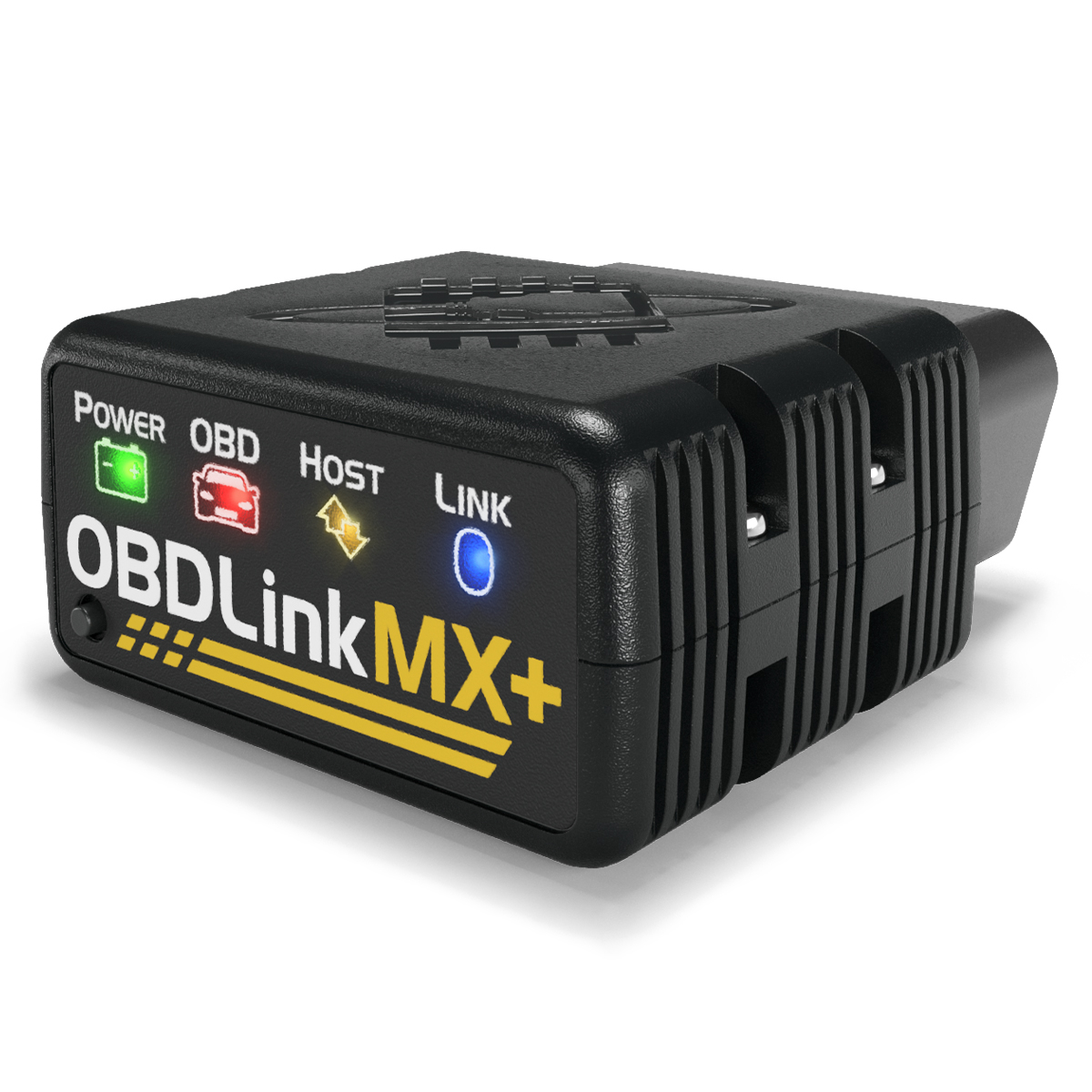
OBDLink MX+ review: quick verdict
OBDLink MX+ is the scanner to research when app choice matters. The official OBDLink MX+ product page lists iOS, Android, and Windows support, Bluetooth 3.0, secure 128-bit data encryption, a physical connect button, all legislated OBD-II protocols, Ford MS-CAN, GM SW-CAN, OBDLink app access, OBDwiz for Windows, third-party app support, free firmware updates, a 180-day money-back guarantee, and a 3-year warranty. The same page showed $139.95 with free U.S. shipping when checked on April 30, 2026.
That does not make MX+ the right answer for every driver. It means MX+ is a flexible adapter with strong published hardware and app support. The useful question is narrower: do you need that flexibility, or would a simpler scanner answer your problem with less setup?
| Buying question | OBDLink MX+ answer | Why it matters |
|---|---|---|
| Better fit | App-focused diagnostics, Ford and GM owners, live-data users | MX+ is strongest when software choice matters |
| Main caution | Enhanced coverage depends on app and vehicle | Do not assume every module works on every car |
| Official price checked April 30, 2026 | $139.95 | Higher than many basic Bluetooth dongles |
| Platform support | iOS, Android, Windows | Helpful for mixed-device garages |
| Warranty and return policy | 180-day money-back guarantee and 3-year warranty | Gives time to test exact vehicle support |
| Not a fit for | Standalone screen, guaranteed service resets, guided repair reports | Those jobs may point to another scanner type |
If your scanner search is still broad, start with our Bluetooth OBD2 scanner shortlist. If the decision is down to OBDLink and BlueDriver, read OBDLink MX+ vs BlueDriver before checkout.
What OBDLink MX+ is built to do
OBDLink MX+ is a Bluetooth OBD2 adapter. It plugs into the vehicle diagnostic port and uses a phone, tablet, or Windows computer as the screen and software layer. OBDLink describes it as a way to turn a smart phone, tablet, laptop, or netbook into a diagnostic scan tool, trip computer, and real-time performance monitor.
That adapter identity is the whole review. MX+ is not a standalone handheld scanner with buttons and a built-in display. It is also not a guaranteed service-reset tool. It is a hardware bridge that becomes more or less useful based on the app you choose.
Independent coverage from OBD Advisor makes the same practical point: MX+ is an adapter, not a standalone scan tool, and the features depend heavily on the app paired with it. That is a useful framing because it prevents overbuying. If you only want a check engine code once a year, MX+ may be more adapter than you need. If you want app choice, custom dashboards, Ford or GM network access, and better data workflows, it becomes more interesting.
Check 1: buy it for app flexibility, not one-button repairs
The official OBDLink compatible apps page is the strongest reason to take MX+ seriously. It lists many third-party apps, including FORScan Lite, Torque, Bimmercode, AlfaOBD, Carista, OBD Fusion, Hybrid Assistant, DashCommand, OBD JScan, Dr. Prius, and OBD Auto Doctor. The same page notes that not every OBDLink scan tool works with every app, and that only MX+ and CX currently support iOS.
That matters because a Ford owner using FORScan has a different buying problem from a driver who only wants to clear a generic powertrain code. A BMW or Mini owner looking at Bimmercode has another problem. A Toyota hybrid owner looking at Dr. Prius or Hybrid Assistant has another. MX+ gives those users more room to choose software around the vehicle.
The tradeoff is responsibility. Flexible app support means you must check the app first. Confirm phone platform, vehicle year, module support, app cost, and whether the feature you need is read-only data, code clearing, coding, or an active service procedure.
Check 2: verify enhanced diagnostics before assuming ABS or SRS access
Generic OBD2 is not the same thing as full vehicle access. The California Air Resources Board OBD II fact sheet explains the baseline: 1996 and newer gasoline and alternate-fuel passenger cars and trucks are required to have OBD II systems, while 1997 and newer diesel passenger cars and trucks are also covered. That helps with emissions-related diagnostics, but it does not promise every scanner can read every body, brake, airbag, or transmission module.
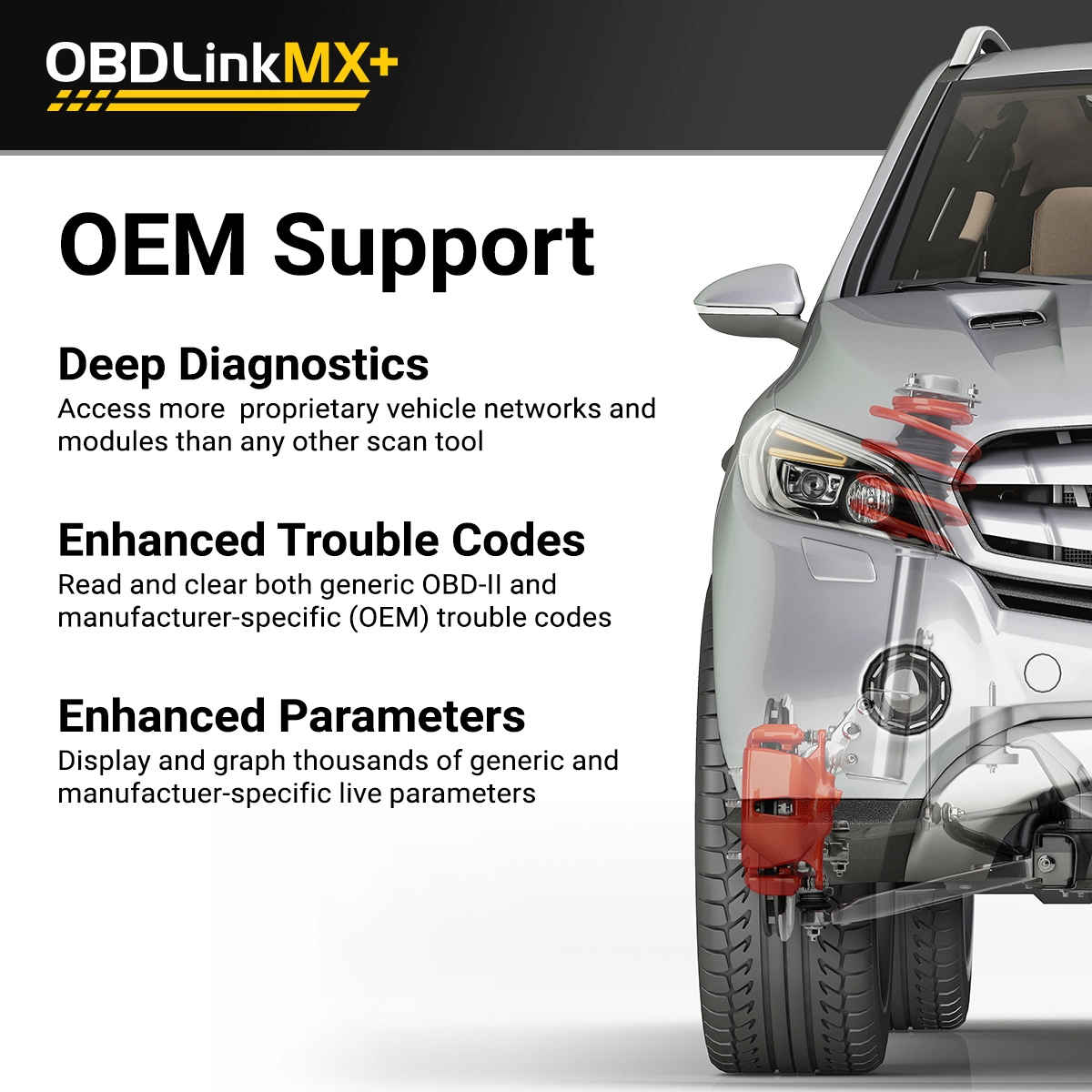
OBDLink support explains the distinction directly in its article on standard versus enhanced diagnostics. Standard OBD-II data is mostly emissions related. Enhanced diagnostics are needed for manufacturer-specific DTCs and PIDs, with common examples including ABS, SRS, and TPMS.
This is where MX+ can be valuable, but not magic. OBDLink support says enhanced diagnostics are available primarily for North American vehicles and that support depends on the coverage PDF, vehicle model year, modules, and app. Before buying MX+ for ABS, SRS, tire pressure, transmission temperature, or manufacturer-specific live data, verify the exact vehicle and app path.
Check 3: Ford and GM support is the clearest hardware reason to pay attention
OBDLink MX+ lists support for advanced Ford MS-CAN and GM SW-CAN networks. That is one of the clearest reasons to consider it over a cheaper generic Bluetooth adapter. Some vehicle-specific apps and enhanced data paths depend on networks that basic adapters cannot reach.
This does not mean every Ford or GM owner should buy MX+. It means Ford and GM owners should pay closer attention to MX+ if their diagnostic job needs those networks. A Ford owner researching FORScan Lite, for example, should check both the OBDLink compatible apps page and FORScan support for the exact vehicle. A GM owner should verify whether the data or trouble code category they want is available in the OBDLink app or another supported app.
The disciplined buying question is not whether MX+ supports Ford and GM networks in general. It is whether your year, make, model, module, and app need that support.
Check 4: iOS, Android, and Windows support matters in mixed-device garages
Many cheap adapters are limited by platform, app quality, or unreliable pairing. OBDLink MX+ lists iOS, Android, and Windows support. It also includes OBDwiz for Windows and the OBDLink app for mobile use. For a household with one iPhone user, one Android user, and an old Windows laptop in the garage, that flexibility can matter.
The compatible apps page still needs careful reading. App support varies by operating system. Some apps are Android-only. Some iOS apps support MX+ but not other OBDLink models. Some Windows workflows may favor USB tools such as OBDLink EX instead of Bluetooth. The adapter may be capable, but the software path still decides the final experience.
If you plan to use MX+ for one specific app, do not buy the hardware first. Confirm the app support page first, then buy the adapter that the app developer recommends.
Check 5: compare software cost against simpler scanners
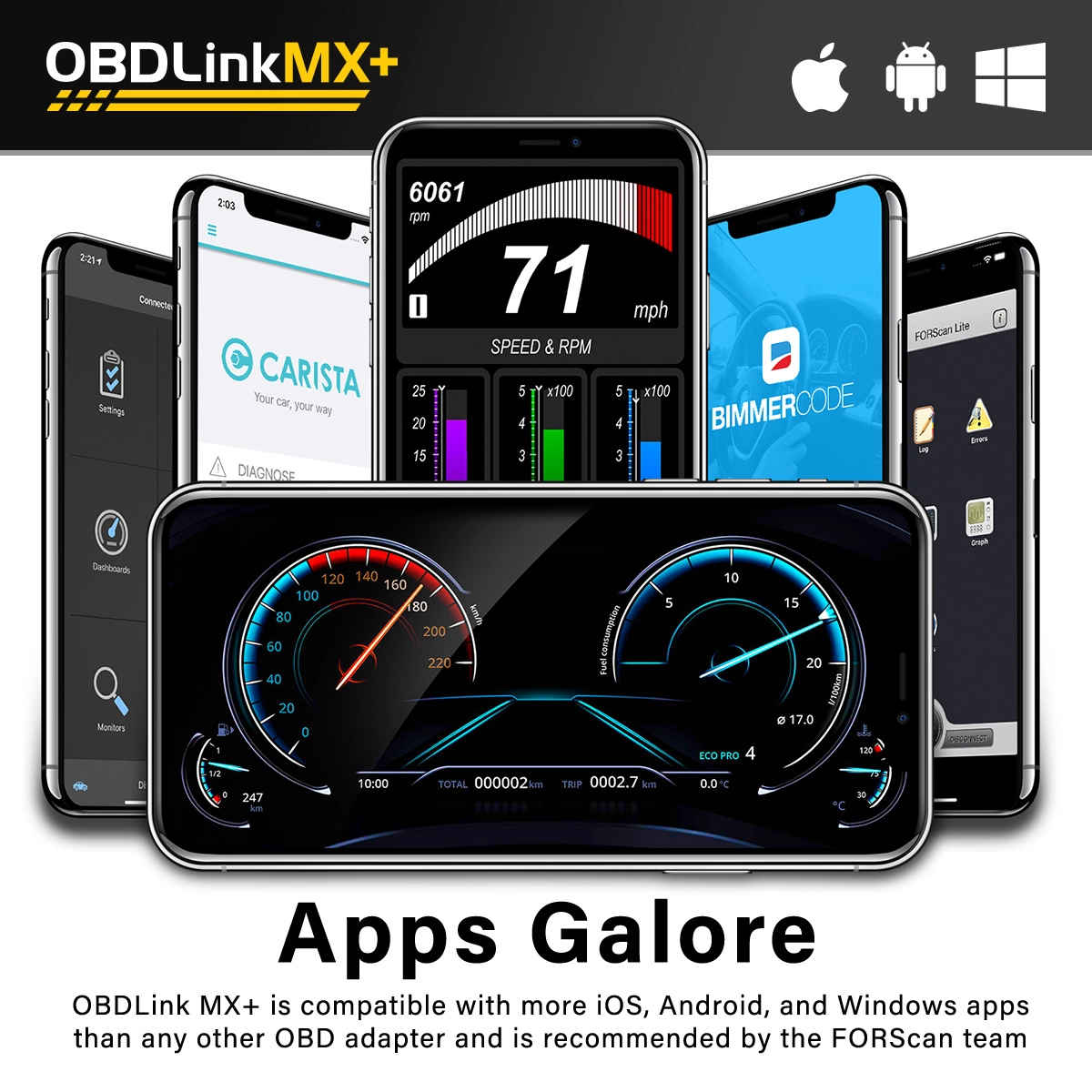
OBDLink positions MX+ as including the OBDLink app, OBDwiz, firmware updates, and broad app compatibility. The official product page also highlights free unlimited OEM-specific data add-ons. That can make MX+ attractive for owners who want to avoid a vehicle-package model.
But software cost still exists in another form. Third-party apps may cost money. Some app features may be paid. Some apps are useful only for a specific brand or platform. A driver buying MX+ for Torque dashboards has a different cost model from a Ford owner buying it for FORScan or a BMW owner buying it for coding apps.
For comparison, the official BlueDriver product page listed $89.95 sale pricing, repair reports, enhanced codes for supported vehicles, and no subscription fees or add-ons when checked. The official Autel AP200 product page lists one free vehicle software package and additional in-app purchase for expanded coverage. MX+ sits in a different lane: higher hardware price than some consumer scanners, but more room to choose software.
Check 6: decide if BatterySaver and security matter for how you use it
OBDLink MX+ lists automatic sleep and wake-up, BatterySaver low-power mode at 2 mA, overvoltage protection up to 100V, secure 128-bit data encryption, and a physical connect button for Bluetooth pairing. These are practical features if you plan to leave the adapter plugged in occasionally or use it for repeated logging.
Battery drain is not just a spec-sheet concern. Some owners leave a scanner plugged in for trip logging, dashboards, or intermittent problem checks. A weak battery, long airport parking, or a vehicle that already has parasitic draw can turn a small adapter into an annoyance. MX+ is designed to reduce that risk, but it does not remove the need for judgment.
The security point is also practical. OBDLink says MX+ does not continuously broadcast its presence like many adapters and requires physical access to enable pairing. That matters more for a scanner that may stay installed than for a tool you plug in for five minutes and remove.
Check 7: choose another scanner for guided reports or service resets
OBDLink MX+ is not the cleanest path for every buyer. If you want a beginner-friendly one-app flow with repair reports, BlueDriver may be simpler. BlueDriver emphasizes reports with possible causes, reported fixes, freeze frame, smog check, live data, Mode 6, and enhanced codes for supported vehicles. That is easier for a driver who wants guidance more than app choice.
If you want service reset functions such as oil reset, EPB, BMS, SAS, DPF, TPMS, or IMMO, Autel AP200 deserves separate research. Autel lists those service functions and a vehicle-software model. That can fit one known vehicle, but it also requires software-cost checks. Our Autel AP200 review explains that tradeoff in more detail.
Choose MX+ when flexibility is the point. Choose another scanner when guided repair reports, built-in service reset workflows, or a handheld screen matter more than third-party apps.
Check 8: run this pre-purchase compatibility check
Before buying OBDLink MX+, write down the actual job. Do you need generic check engine codes, smog readiness, live data, Ford modules, GM data, ABS codes, SRS codes, transmission temperature, tire pressure data, hybrid battery data, coding, or a service reset? Those are not the same purchase.
Then record the vehicle year, make, model, engine, market, phone platform, app name, and source used to verify support. Check the OBDLink product page, the compatible apps page, OBDLink support articles, the app developer page, and seller return policy. If support is vague, ask before buying and keep the response until the return window closes.
After delivery, do not wait for a breakdown. Install the app, update firmware if needed, connect to the car, verify the module you care about, and save a report. A flexible adapter earns its price only when it works on your actual vehicle.
Internal research path
If you are building the full OBD2 scanner decision, use this order: start with our Bluetooth OBD2 scanners for DIY repairs, then read OBDLink MX+ vs BlueDriver if the decision is app flexibility versus guided reports. Use the OBD2 scanner compatibility guide before assuming enhanced module access. If price is the sticking point, check the OBD2 scanner deals and software cost guide before treating any sale as a real saving.
FAQ
Is OBDLink MX+ worth it for DIY owners?
OBDLink MX+ can be worth it if you want app flexibility, Ford or GM network support, iOS Android and Windows compatibility, and room to use third-party apps. It is less compelling if you only need a simple check engine code once a year or want a scanner that explains repairs inside one closed app.
Does OBDLink MX+ work with iPhone?
Yes. OBDLink lists MX+ as supporting iOS, Android, and Windows. Its compatible apps page also notes that only OBDLink MX+ and CX currently support iOS among OBDLink scan tools. Still, check the exact app you plan to use because app support varies by platform and vehicle.
Can OBDLink MX+ read ABS and airbag codes?
It can read enhanced systems on supported vehicles when the OBDLink app or a third-party app supports the relevant modules. Do not assume universal ABS or SRS access. Enhanced diagnostics depend on make, model, year, region, app support, add-ons, and which modules the vehicle actually has.
Is OBDLink MX+ better than BlueDriver?
OBDLink MX+ is the better fit for third-party apps, custom live data, and Ford or GM network flexibility. BlueDriver is usually simpler for repair reports and a one-app beginner workflow. The better scanner depends on whether you want software freedom or guided diagnostic context.
Can I leave OBDLink MX+ plugged in?
OBDLink lists automatic sleep and wake-up plus BatterySaver low-power mode at 2 mA. That makes occasional leave-in use more realistic than with cheap adapters. Still, remove any scanner before long vehicle storage, airport parking, emissions testing, or use on a weak battery.
Final verdict
OBDLink MX+ is a strong fit for the right kind of owner: someone who wants app choice, enhanced diagnostic paths, live data, and enough patience to verify vehicle support. It is not a magic module reader, and it is not the simplest scanner for every driver.
Buy it deliberately. If your job depends on FORScan, app dashboards, Ford or GM network access, or multi-platform support, MX+ deserves a close look. If your job is guided repair advice or service reset coverage, compare BlueDriver and Autel AP200 first. The scanner that saves money is the one that matches the job before the warning light forces a decision.
Editorial note: This article is source-backed and does not claim first-hand bench testing. See the Premerinn about page and editorial policy for our review standards.
Reference Sources
- OBDLink MX+ official product page
- OBDLink compatible apps page
- OBDLink support: OBD-II standard versus enhanced diagnostics
- OBDLink support: enhanced diagnostics availability
- OBD Advisor OBDLink MX+ review
- BlueDriver Pro official product page
- Autel MaxiAP AP200 official product page
- California Air Resources Board OBD II fact sheet
Title Candidates
- OBDLink MX+ Review: 8 Checks Before You Buy This Bluetooth OBD2 Scanner for App-Based Diagnostics in 2026
- Before You Buy OBDLink MX+: The App, Vehicle, and Enhanced Diagnostics Checks That Matter
- OBDLink MX+ Review for DIY Owners: When This Bluetooth Scanner Makes Sense and When It Does Not
- The OBDLink MX+ Mistake: Buying the Adapter Before Checking App and Vehicle Support
- OBDLink MX+ for FORScan, Live Data, and Ford or GM Diagnostics: What to Verify First