
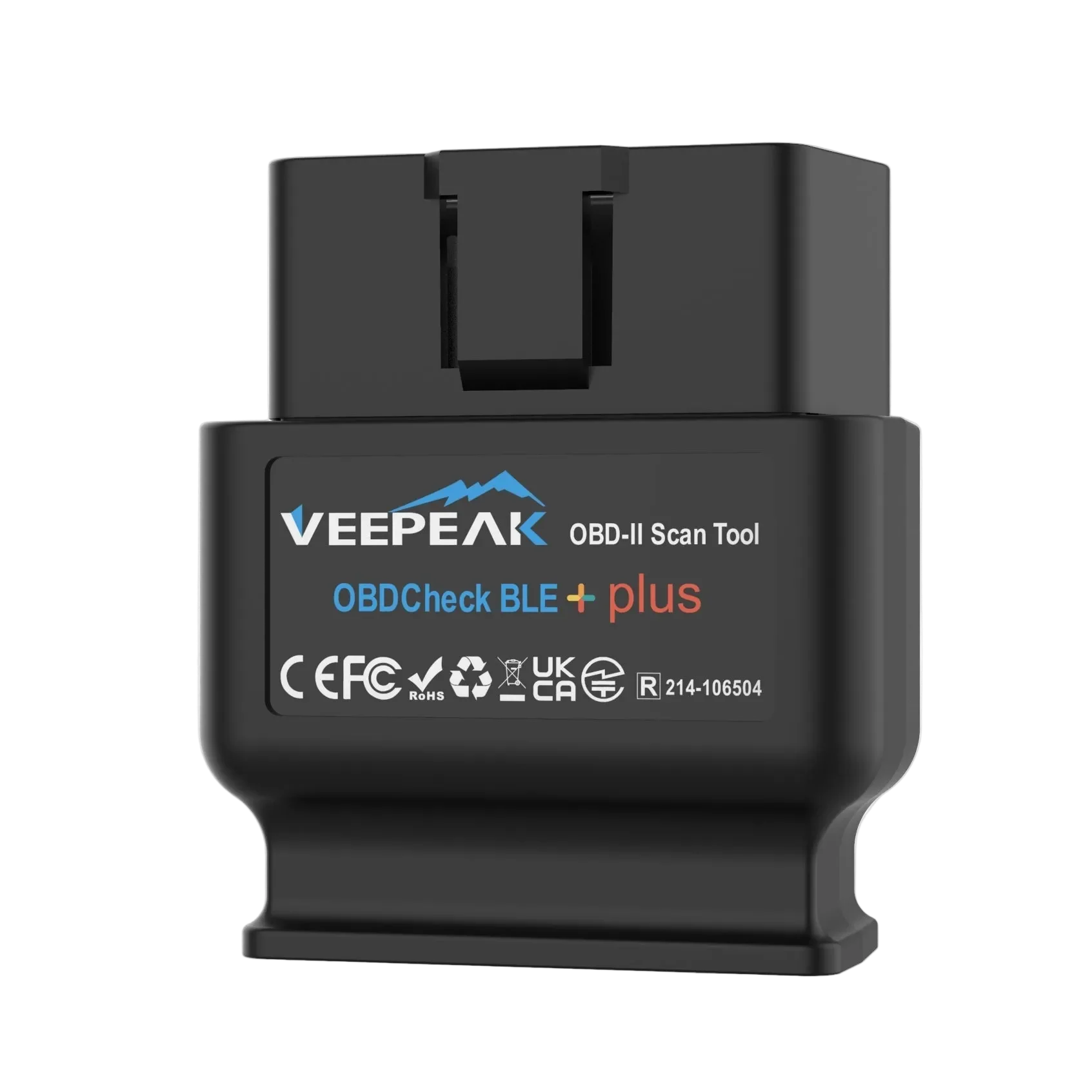
The Veepeak OBDCheck BLE+ is one of the least expensive Bluetooth OBD2 adapters on the market that works reliably with iPhone via Bluetooth Low Energy. For DIY owners who want to read a check engine light without spending $90 on a purpose-built scanner, it is a natural starting point.
This review is based on product specifications and information from the Veepeak official product page, third-party review sources, and independent comparison analysis. We do not claim first-hand bench testing. For more on how we evaluate OBD2 products, see our editorial policy and about page.
The short answer: the OBDCheck BLE+ handles standard OBD2 functions reliably at a budget price. If you expect service resets, enhanced manufacturer diagnostics, or guided repair reports, this is not the scanner for that job.
BLE vs. BLE+: Which Veepeak Model Is Right for You
Veepeak sells two BLE-series models worth comparing before you buy.
The OBDCheck BLE ($31.99, regularly $34.99 as of May 2026) is the entry model. It uses Bluetooth LE for iOS and Classic Bluetooth for Android. It supports all five standard OBD2 protocols and works with a wide range of third-party diagnostic apps.
The OBDCheck BLE+ ($41.99, regularly $44.99 as of May 2026) adds expanded AT command support. In practice, this means it is compatible with more specialized apps — particularly vehicle-specific tools like BimmerCode, BimmerLink, and Carista — where the standard BLE may fail authentication handshakes. According to an independent BLE vs BLE+ comparison, the BLE+ is the version to choose if you use anything beyond basic code-reading apps.
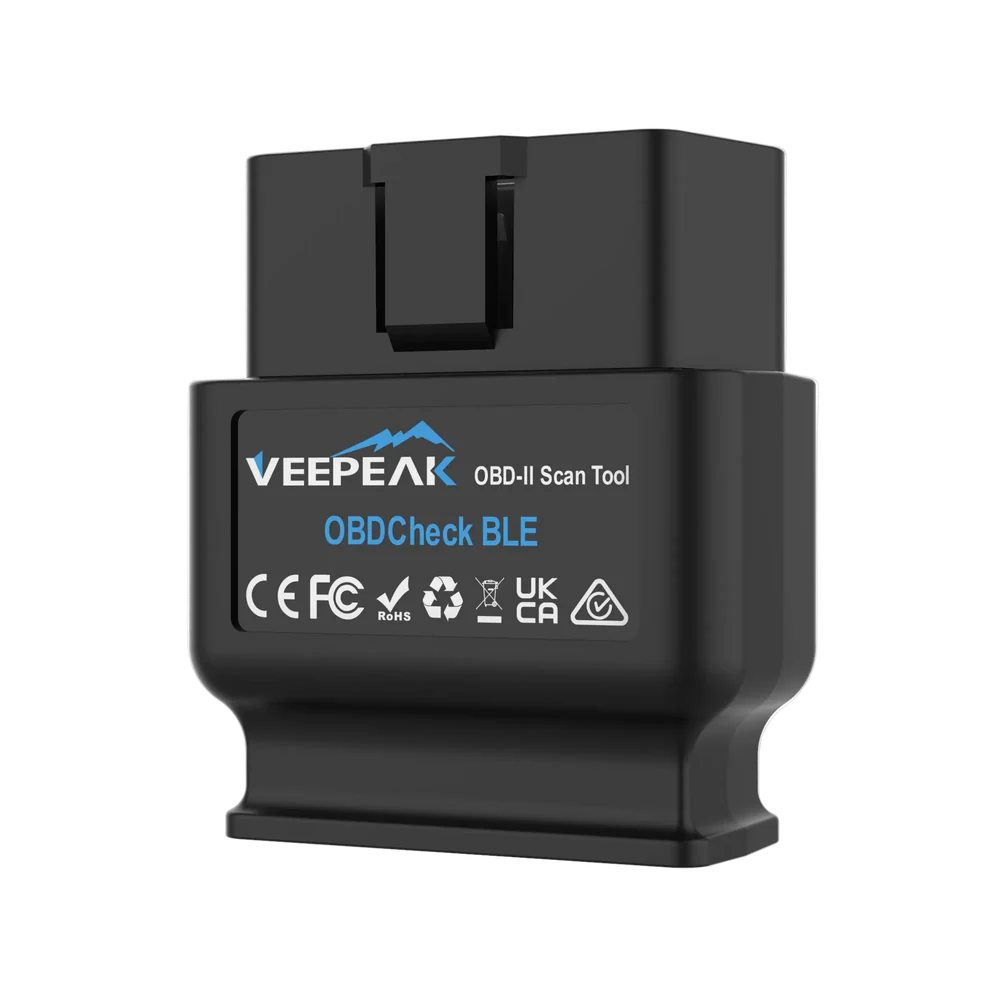
For most first-time OBD2 buyers checking a check engine light on a standard gas-powered car, the BLE at $31.99 is sufficient. If you own a BMW or Mini and want BimmerCode or BimmerLink support, the BLE+ at $41.99 is worth the extra $10.
Vehicle Compatibility
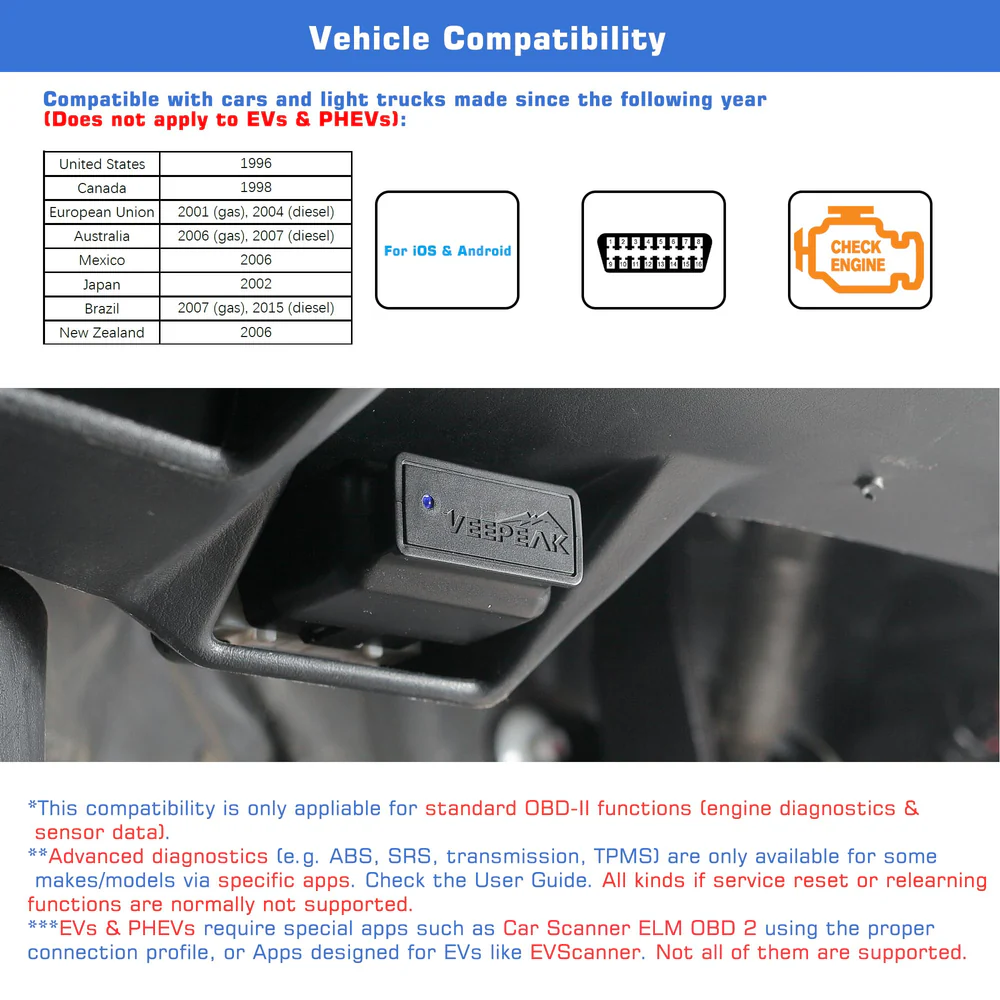
Both models work with OBD2-compliant vehicles: 1996 and newer in the US, 1998 and newer in Canada, and 2001+ gas / 2004+ diesel in Europe. Veepeak lists additional country-specific thresholds on its product page.
Electric vehicles are not a standard fit. EVs use different diagnostic protocols. Some EV-specific apps (LeafSpy for Nissan Leaf, ABRP for route planning) work with BLE adapters on specific vehicles, but Veepeak does not claim standard OBD2 compatibility for EVs.
BMW G-series models have limited support. The BLE+ is listed as compatible with BimmerCode, but Veepeak notes G-series BMWs do not have "full support." Pre-2008 BMW and Mini models are not supported for BimmerCode or BimmerLink at all.
MS-CAN and SW-CAN are not supported. These proprietary Ford and GM network buses — used for deeper FORScan workflows on Ford and GM vehicles — require adapters like the OBDLink MX+. If you need full-network FORScan access, the Veepeak adapters are not the right tool.
What It Does — and What It Does Not Do
Standard OBD2 coverage (both models)
- Read and clear diagnostic trouble codes (DTCs) — engine codes, P-codes
- Read freeze frame data captured at the moment a fault occurred
- View real-time sensor data: O2 sensors, engine temperature, throttle position, fuel trim, boost pressure, vehicle speed
- Check I/M readiness monitors — useful before state emissions inspections
- Estimate fuel economy in compatible apps
What it does not do
- Oil reset or oil service light reset
- Electronic parking brake (EPB) reset or brake bleed
- Throttle body relearn or adaptation settings
- TPMS reset
- Battery registration or replacement reset
Service reset functions require a scanner with proprietary vehicle manufacturer protocol support. The Autel AP200 covers many resets through its subscription model. The Veepeak hardware does not include this capability in either the BLE or BLE+ model.
App Ecosystem: No Proprietary App Included
Veepeak does not bundle a diagnostic app. The OBDCheck BLE+ requires a third-party app to function. That is both a strength and a risk.
Strength: You can pick whichever app fits your workflow. Free apps like Car Scanner ELM OBD2 handle basic code reading, live data, and I/M readiness without cost. Enthusiast apps like OBD Fusion add custom PIDs and expanded sensor logging. Vehicle-specific apps like FORScan Lite (Ford), BimmerCode (BMW), and Carista unlock manufacturer-level functions on compatible vehicles.
Risk: The experience you get is only as good as the app you choose. Advanced diagnostics — ABS codes, airbag codes, TPMS system access — are not standard OBD2 functions. Some apps support them on some vehicles through enhanced protocols. Others do not. Veepeak states directly that "what features you can get mainly depends on the chosen App." That is accurate.
For a practical starting point for iOS users, Car Scanner ELM OBD2 (free with optional in-app purchases) is the most frequently recommended pairing. OBD Fusion is a solid paid alternative with broader vehicle database support and more advanced data logging. User reviews on the Amazon listing consistently note reliable BLE connectivity on iOS as a standout strength.
iOS Setup: One Thing You Need to Know
The iOS pairing process for BLE adapters works differently from Classic Bluetooth. Veepeak is clear: do not pair the OBDCheck BLE+ in iOS Bluetooth Settings. Instead, plug the adapter into the OBD2 port under the dashboard, open your diagnostic app, and connect from within the app. Most apps designed for BLE adapters handle discovery automatically.
This is standard behavior for ELM327 BLE adapters — not a Veepeak-specific quirk. First-time OBD2 users frequently encounter this and mistake it for a defective unit. If the adapter appears "paired" in iOS Settings but the app shows no connection, remove it from Settings and connect through the app instead.
How It Compares to Other Bluetooth OBD2 Scanners
The OBDCheck BLE+ sits at the budget end of a category where the other frequently recommended scanners cost significantly more.
| Scanner | Price (approx.) | iOS Friendly | Service Resets | Guided Repair Reports | Third-Party App Support |
|---|---|---|---|---|---|
| Veepeak OBDCheck BLE+ | ~$42 | Yes (BLE native) | No | No | Yes (broad) |
| BlueDriver Pro | ~$90 | Yes | Limited | Yes | No (proprietary app) |
| OBDLink MX+ | ~$100 | Yes | No | No | Yes (high compatibility) |
| Autel AP200 | ~$25 + subscription | Yes | Yes (subscription) | No | Limited |
The OBDLink MX+ costs roughly 2.5x more and adds MS-CAN/SW-CAN support, a more robust hardware chip, and higher throughput with data-intensive apps. For basic code reading and live data on a typical passenger car, the real-world difference is small. For Ford or GM owners who need FORScan advanced functions, the OBDLink is worth the premium.
BlueDriver Pro adds guided Repair Reports — a built-in database of technician-recommended fixes for specific DTCs — and a fully curated in-app experience. If you want the scanner to tell you what to do next, not just what code appeared, BlueDriver is a more capable tool. See our BlueDriver Pro review for a detailed breakdown.
Autel AP200 costs less than the Veepeak BLE at initial purchase but requires paid per-vehicle software to unlock service resets and brand-specific diagnostics. For pure OBD2 standard functions with free apps, the Veepeak models are often the better value. See our Autel AP200 review for a full comparison.
For a broader roundup of Bluetooth OBD2 scanners at all price tiers, see our best Bluetooth OBD2 scanners guide.
Who Should Buy the Veepeak OBDCheck BLE+
Good fit:
- iPhone or iPad users who want a sub-$50 OBD2 adapter for standard engine code reading
- DIYers checking emissions readiness before a state inspection
- First-time OBD2 buyers comfortable downloading and configuring a third-party app
- BMW or Mini owners who want to experiment with BimmerCode (BLE+ specifically, with noted G-series limitations)
Not a good fit:
- Anyone who needs oil reset, EPB, or service reset functions
- Drivers who want built-in guided repair recommendations without configuring a third-party app
- Ford or GM owners who need MS-CAN or SW-CAN access for FORScan advanced functions
- Users who want a single all-in-one app experience without setup
For more guidance on matching a scanner to your specific diagnostic needs, see our OBD2 scanner compatibility guide and OBD2 scanner deals guide.
Frequently Asked Questions
What is the difference between Veepeak OBDCheck BLE and BLE+? The BLE+ supports more AT commands, enabling compatibility with a wider range of apps including BimmerCode and BimmerLink. Both cover the same standard OBD2 functions. The BLE+ costs about $10 more and is the better choice for vehicle-specific app workflows.
Does Veepeak OBDCheck BLE+ work with iPhone? Yes. It uses Bluetooth LE for iOS. Connect through the diagnostic app, not through iOS Bluetooth Settings — pairing in Settings will not work.
Can Veepeak OBDCheck BLE+ reset the oil light? No. Neither model supports oil reset, EPB, or any service reset. These require a scanner with manufacturer-specific protocol support.
Which apps work with Veepeak OBDCheck BLE+? Car Scanner ELM OBD2, OBD Fusion, Torque Pro, BimmerCode, BimmerLink, Carista OBD, and FORScan Lite are commonly compatible. App features beyond standard OBD2 vary by vehicle.
Is Veepeak OBDCheck BLE+ good for basic DIY? For standard check engine codes, live sensor monitoring, and emissions readiness, yes. For service resets or guided diagnostics, no.
Prices checked on the Veepeak website on May 7, 2026. Prices and availability can change. This site uses affiliate links — see our editorial policy for disclosure.