
OBDLink LX vs MX+: 7 Checks Before You Pick an OBD2 Bluetooth Adapter in 2026
Two OBDLink adapters can look like the same purchase until your phone, vehicle network, or app choice gets involved. OBDLink LX and OBDLink MX+ both plug into the OBD2 port, both target phone-based diagnostics, and both come from the same brand. The wrong choice usually does not fail because it cannot read a basic engine code. It fails because you bought the Android and Windows model for an iPhone, or skipped Ford and GM network support when your app workflow needed it.
The short version in this OBDLink LX vs MX+ decision is practical: buy OBDLink LX if you use Android or Windows and mainly need standard OBD2 diagnostics at the lower official price. Buy OBDLink MX+ if you use iPhone, own Ford or GM vehicles where MS-CAN or SW-CAN access may matter, or want the most flexible OBDLink path for third-party apps.
Scope note: Premerinn has not performed first-hand bench testing on either adapter. This comparison is based on official OBDLink product pages, official compatible-app guidance, independent OBD scanner coverage, and public OBD II guidance checked on April 30, 2026. See our editorial policy and about page for how we separate source-backed analysis from merchant claims. If commerce links are added by the publishing system, our disclosure is here: affiliate disclosure.
OBDLink LX vs MX+: quick answer
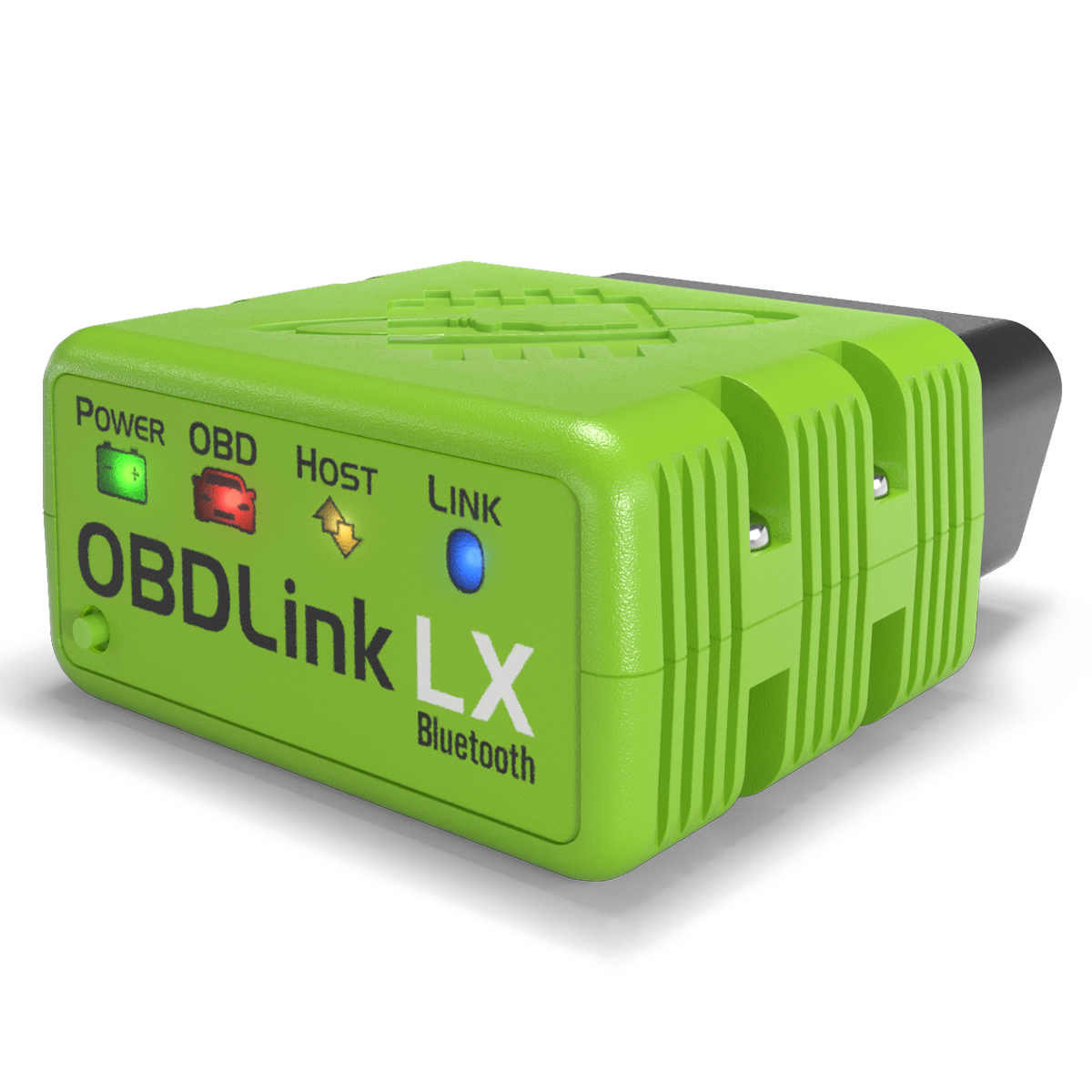
Choose LX when price and simplicity matter more than iPhone support. The official OBDLink LX product page lists Android and Windows support, free Android app and Windows diagnostic software, all legislated OBD-II protocols, automatic sleep and wake-up, BatterySaver low power mode, free firmware updates, and a 3-year warranty. The page showed $89.95 when checked on April 30, 2026.
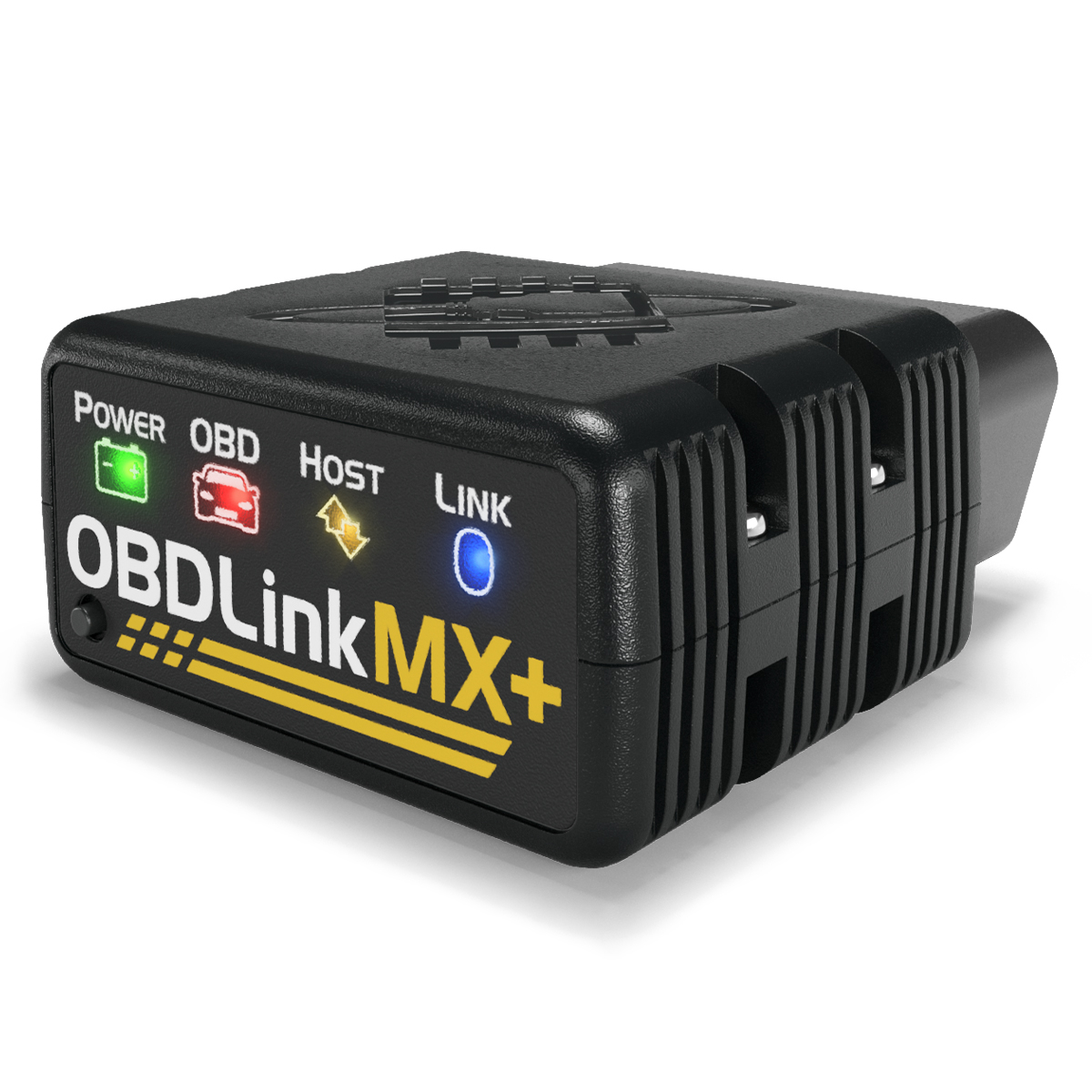
Choose MX+ when compatibility headroom matters more than saving $50. The official OBDLink MX+ product page lists iOS, Android, and Windows support, MS-CAN and SW-CAN support for advanced Ford and GM vehicle networks, third-party app support, free included apps, BatterySaver low power mode, free firmware updates, and a 3-year warranty. The page showed $139.95 on the same check date.
| Buying question | OBDLink LX | OBDLink MX+ |
|---|---|---|
| Better fit | Android or Windows users who want the lower-cost OBDLink adapter | iPhone users, Ford or GM owners, and app-heavy DIYers |
| Official price checked April 30, 2026 | $89.95 | $139.95 |
| Supported platforms on official page | Android, Windows | iOS, Android, Windows |
| Ford MS-CAN and GM SW-CAN | Not listed; LX page points buyers to MX+ for these networks | Listed on official MX+ page |
| App model | OBDLink app, OBDwiz, and supported third-party apps mostly in Android or Windows lanes | Broader iOS, Android, and Windows app lane |
| Main reason to buy | Lower cost when LX covers your phone and vehicle job | More compatibility margin for iPhone, Ford, GM, and specialist apps |
| Main risk | Buying it for iPhone or enhanced networks it does not target | Paying more when LX would have handled the job |
Product research links: check OBDLink LX details and OBDLink MX+ details before purchase because pricing and app support can change.
Check 1: your phone platform may decide the purchase first
The fastest way to narrow this comparison is to ask which phone or computer you will actually use in the garage. OBDLink LX is listed for Android and Windows. OBDLink MX+ is listed for iOS, Android, and Windows. That single line can settle the decision for many buyers.
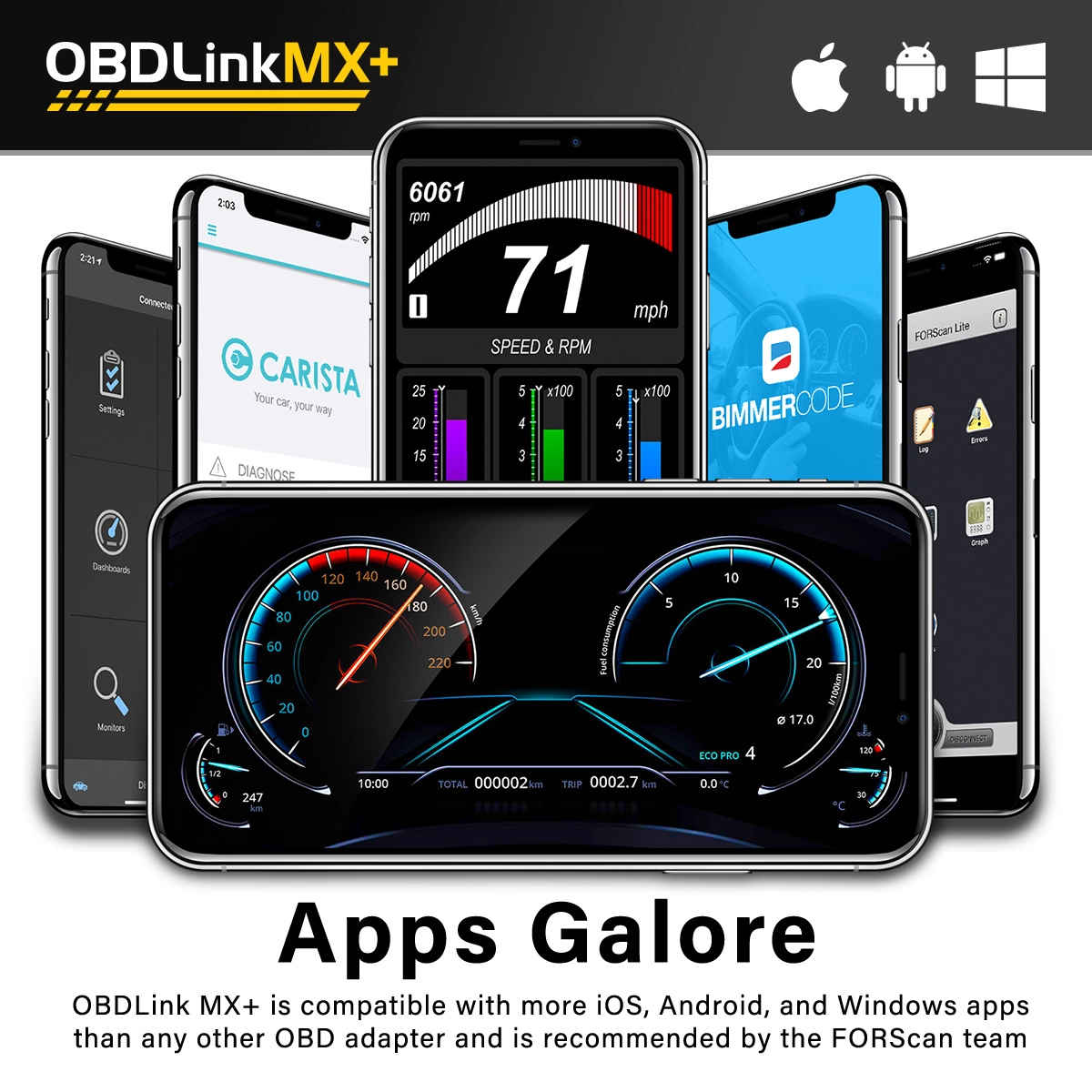
The official OBDLink compatible apps page makes the iPhone difference clearer. It says not all OBDLink scan tools are compatible with all apps and notes that only OBDLink MX+ and CX currently support iOS among OBDLink scan tools. The same page lists multiple app rows where MX+ appears in iOS paths while LX appears in Android paths.
If you use an iPhone and want OBDLink, start with MX+. If you use Android and only plan to run compatible Android apps, LX stays in the conversation. If you use Windows for garage diagnostics, both adapters deserve a closer look, but the Ford and GM network question still matters.
Check 2: Ford and GM owners should check MS-CAN and SW-CAN
The second big split is vehicle network support. OBDLink says MX+ supports all legislated OBD-II protocols plus advanced Ford and GM vehicle networks: MS-CAN and SW-CAN. The LX page says to consider MX+ if you need access to proprietary Ford and GM vehicle networks in addition to standard OBD-II protocols.
That does not mean every Ford or GM owner needs MX+. If your only job is a generic emissions-related check engine code, LX may still be enough on a supported Android or Windows setup. But if you are buying around FORScan-style Ford diagnostics, GM enhanced data, or module access beyond a generic OBD2 code, MX+ is the model to research first.
This is where the purchase can become expensive if you guess. A lower checkout price does not help if the adapter cannot reach the network your app expects. Write down the vehicle, app, and system first. Then pick the adapter.
Check 3: app flexibility is useful only if your app supports the adapter
OBDLink MX+ is often described as the more flexible adapter, but flexibility is not magic. The features you experience depend on the app, the vehicle, the module, and the phone platform. OBDAdvisor says in its 2026 MX+ review that MX+ is an adapter, not a standalone scan tool, and that features depend heavily on the app paired with it.
The official compatible-app list supports that framing. FORScan Lite is listed with MX+ for iOS. Torque is listed with MX+, LX, and CX. BimmerCode supports MX+ on iOS and lists MX+ plus LX for Android. Carista, OBD Fusion, AlfaOBD, Hybrid Assistant, DashCommand, OBD JScan, Dr. Prius, and other apps have their own compatibility rows.
For a buyer, this means MX+ is the safer default when you want the broadest OBDLink app path. LX can still be the value buy if the exact Android or Windows app you plan to use lists LX support. Do not buy either adapter because an app name sounds familiar. Check the app row and your vehicle before checkout.
Check 4: the price gap is real, but it should not be the first filter
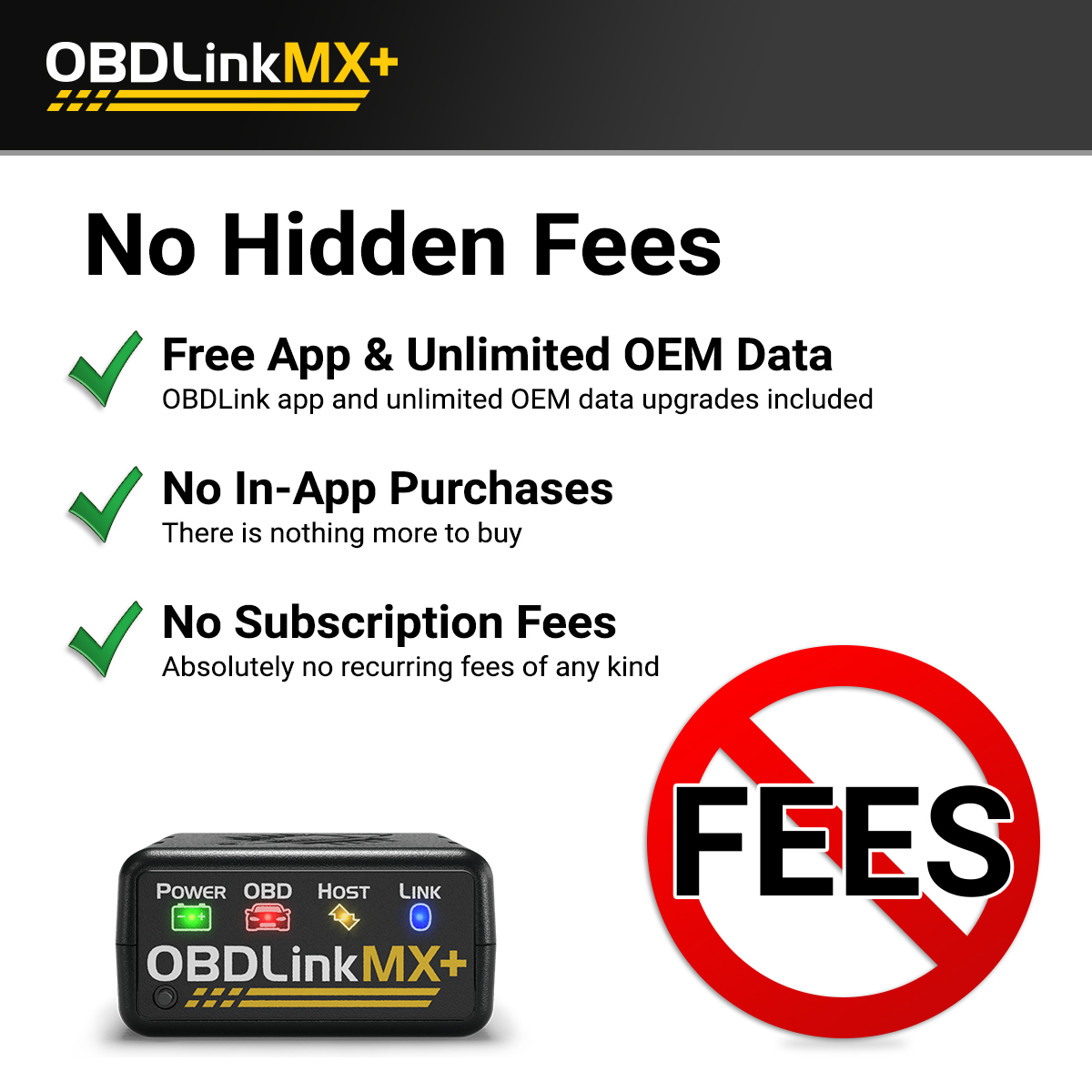
The official price snapshot checked for this article was simple: LX at $89.95 and MX+ at $139.95. A $50 gap is large enough to matter, especially when you only need basic code reading and live data. It is not large enough to ignore platform and network fit.
Choose LX when you can state the fit clearly: Android or Windows, standard OBD2 diagnostics, supported app, no need for iOS, and no need for Ford MS-CAN or GM SW-CAN. In that case the lower price is not a compromise. It is the correct match.
Choose MX+ when you would otherwise be buying around the wrong limitation. iPhone support, Ford or GM network access, and broader app compatibility are the reasons to spend more. If none of those reasons applies, MX+ can become a premium answer to an ordinary check engine light problem.
Check 5: both adapters share important OBDLink hardware strengths
It is easy to overstate the difference. LX and MX+ share several useful traits. Both official pages list a secure Bluetooth pairing button, 128-bit data encryption, Class 2 Bluetooth v3.0, automatic sleep and wake-up behavior, BatterySaver low power mode at 2 mA, free firmware updates, a 180-day money-back guarantee, and a 3-year warranty.
That shared foundation is why LX should not be dismissed as a weak adapter. For many Android and Windows users, LX gives the core OBDLink hardware approach at the lower price. If the adapter covers your app and vehicle job, paying more for MX+ may not improve your actual garage workflow.
The reverse is also true. MX+ is not just the same adapter in black. Its platform and network coverage are the point. The hardware overlap should keep you from overspending, but it should not make you ignore the differences that matter.
Check 6: OBD2 baseline coverage is not the same as enhanced diagnostics
Public OBD II guidance helps set expectations. The California Air Resources Board explains OBD II as a system for monitoring emissions-related components and detecting faults. That baseline is useful, but it does not mean every consumer adapter can read every ABS, airbag, transmission, body, hybrid, service, or manufacturer-specific module on every vehicle.
OBDLink says both LX and MX+ work with 1996 and newer cars and light trucks sold in the United States and support international OBD variants such as EOBD and JOBD. That is a broad baseline claim. The enhanced result still depends on adapter capability, app support, vehicle networks, and the exact module you want.
This is why the right buying question is not only whether the adapter supports your car. It is whether your adapter, phone, app, and vehicle system work together for the job in front of you.
Check 7: match the adapter to your owner profile
Choose OBDLink LX if you are an Android or Windows user who wants to read and clear check engine codes, watch live data, run trip or fuel monitoring, and use supported apps without paying for the higher model. LX is also the cleaner choice if you know you do not need iPhone support, Ford MS-CAN, or GM SW-CAN.
Choose OBDLink MX+ if you use iPhone, maintain Ford or GM vehicles, want the broadest OBDLink app compatibility, or expect to move between apps. MX+ is also the safer research path for a multi-vehicle household where the app stack may change over time.
If you are not sure whether OBDLink is the right brand at all, start with our OBDLink MX+ review. If you are comparing OBDLink against guided repair-report scanners, read OBDLink MX+ vs BlueDriver. For broader shortlist context, use 3 Bluetooth OBD2 scanners for DIY repairs. If the risk is vehicle coverage, read the OBD2 scanner compatibility guide. If price timing is the deciding factor, check the OBD2 scanner deals and software cost guide.
FAQ
Is OBDLink MX+ worth it over OBDLink LX?
Yes, if you use iPhone, own Ford or GM vehicles where MS-CAN or SW-CAN may matter, or want the broadest OBDLink third-party app path. No, if you use Android or Windows and LX already supports the app and diagnostic job you need.
Does OBDLink LX work with iPhone?
The official LX page lists Android and Windows support, not iOS. OBDLink compatible-app guidance says only MX+ and CX currently support iOS among OBDLink scan tools. iPhone buyers should research MX+ first.
What is the main difference between OBDLink LX and MX+?
The main difference is platform and network coverage. LX is the lower-cost Android and Windows adapter. MX+ adds iOS support and Ford or GM network support through MS-CAN and SW-CAN, plus broader app flexibility.
Do both OBDLink LX and MX+ have BatterySaver mode?
Yes. Both official pages list BatterySaver low power mode at 2 mA, along with automatic sleep and wake-up behavior. You should still remove any OBD2 adapter before long vehicle storage or if battery health is uncertain.
Which one should Ford owners buy?
Ford owners should check MX+ first if the goal involves FORScan-style enhanced diagnostics or modules beyond generic OBD2. OBDLink lists MS-CAN support on MX+ and points LX buyers toward MX+ when Ford and GM proprietary networks matter.
Final verdict
The disciplined choice is not LX because it is cheaper or MX+ because it has more features. It is the adapter that matches your phone, vehicle network, app, and diagnostic job.
For Android or Windows users doing standard OBD2 work, OBDLink LX is the cleaner value path. For iPhone users, Ford and GM owners, or anyone building a more flexible app workflow, OBDLink MX+ is the safer model to research first. Check the app and vehicle before buying, because the adapter is only one part of the diagnostic chain.
Editorial note: This article is source-backed and does not claim first-hand bench testing. See the Premerinn about page and editorial policy for our review standards.
Reference Sources
- OBDLink LX official product page
- OBDLink MX+ official product page
- OBDLink compatible apps page
- OBDAdvisor OBDLink MX+ vs LX comparison
- OBDAdvisor OBDLink MX+ 2026 review
- California Air Resources Board OBD II fact sheet
Title Candidates
- OBDLink LX vs MX+: 7 Checks Before You Pick an OBD2 Bluetooth Adapter in 2026
- OBDLink LX or MX+? Check iPhone, Ford, and GM Fit First
- The $50 OBDLink Question: When LX Is Enough and When MX+ Makes Sense
- Before You Buy OBDLink LX, Compare These MX+ Upgrade Triggers
- OBDLink LX vs MX+: Which Adapter Fits Your Phone, Car, and App Workflow?