
FIXD vs BlueDriver: 7 Practical Checks Before You Buy a Bluetooth OBD2 Scanner in 2026
A check engine light creates two different buying problems. Some drivers only want a clear explanation and a reminder to handle maintenance before it becomes expensive. Others want a scanner that can go deeper into supported vehicle systems, produce repair context, and help with emissions readiness or intermittent issues. That is why the FIXD vs BlueDriver decision should not start with price alone.
The practical split is this: choose FIXD if you want a simple car health monitor with plain-English check engine light explanations and maintenance reminders. Choose BlueDriver if you want a deeper guided scanner with Repair Reports, Mode 6, smog readiness, supported enhanced diagnostics, and no subscription model listed on the official page.
Scope note: Premerinn has not performed first-hand bench testing on either scanner. This comparison is based on official FIXD and BlueDriver product pages, app-store subscription listings, independent editorial reviews, and public OBD II guidance checked on April 30, 2026. See our editorial policy and about page for how we separate source-backed analysis from merchant claims. If commerce links are added by the publishing system, our disclosure is here: affiliate disclosure.
FIXD vs BlueDriver: quick answer
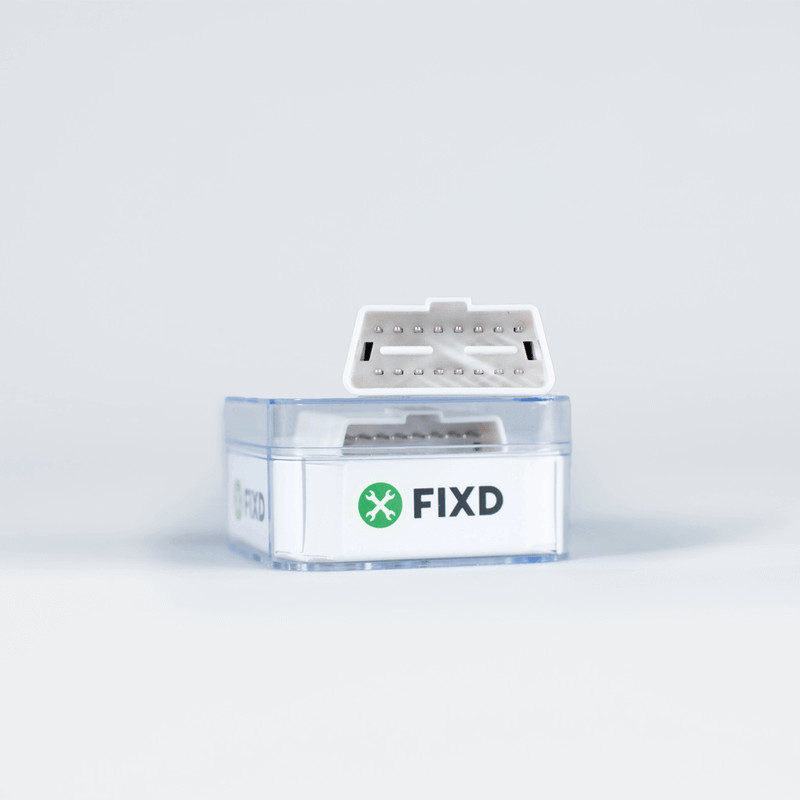
FIXD is the lower-friction monitor. The official FIXD landing page checked on April 30, 2026 showed a promotional $19.99 price from $59.99, a 14-day FIXD Premium trial, free shipping, a 30-day money-back guarantee, and a 1-year warranty. The same page says FIXD can translate thousands of check engine codes into simple terms, provide maintenance reminders, show issue severity, and work with 1996 and newer gas vehicles plus 2008 and newer diesel engines.
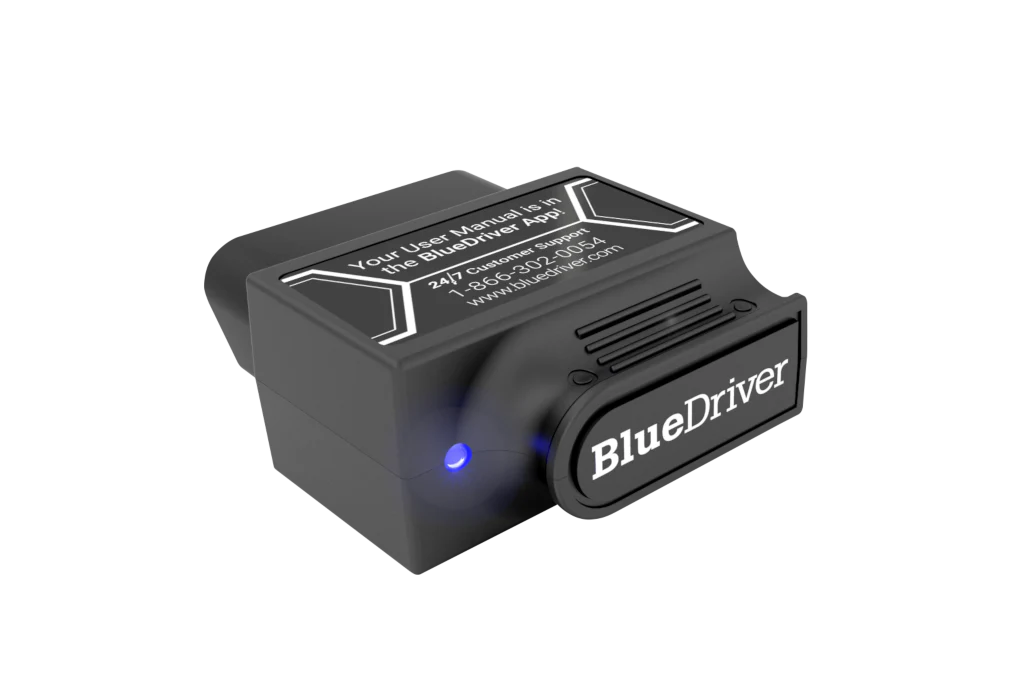
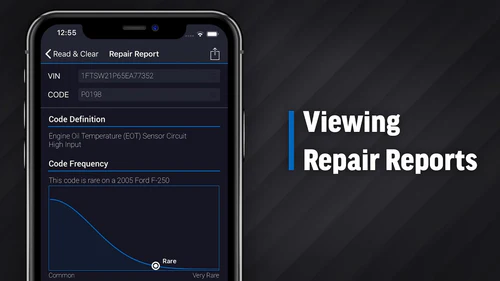
BlueDriver is the deeper scanner. The official BlueDriver Pro page showed $89.95 from $119.95 on the same check date. It lists Repair Reports, smog check, freeze frame, read and clear codes, live data, Mode 6, iOS and Android support, Bluetooth connection, enhanced codes for supported vehicles, 180-day risk-free returns, and no in-app fees or add-ons.
| Buying question | FIXD Sensor | BlueDriver Pro |
|---|---|---|
| Better fit | Drivers who want simple check engine light explanations and maintenance reminders | DIYers who want deeper scan functions and guided repair reports |
| Price checked April 30, 2026 | FIXD page showed $19.99 promo from $59.99 | BlueDriver page showed $89.95 from $119.95 |
| Subscription risk | Premium trial and optional paid Premium features | Official page says no in-app fees or add-ons |
| Strong feature angle | Plain-English codes, severity, maintenance tracking, multiple vehicle monitoring | Repair Reports, Mode 6, smog readiness, live data, supported enhanced codes |
| Main caution | Premium terms can change total cost | Enhanced coverage still depends on exact vehicle support |
| Cleaner buyer | Non-technical owner who wants alerts | DIY owner who wants diagnostic depth |
The price difference is real, but it is not the whole purchase. FIXD can be the right tool when simplicity is the job. BlueDriver is the stronger research path when the light may involve systems beyond a generic engine code.
Check 1: decide whether you need a monitor or a scanner
FIXD is built around car-health monitoring. Its official page emphasizes check engine light explanations, issue severity, maintenance reminders, repair cost context, multiple vehicle monitoring, and a simple app flow. That makes it appealing for drivers who do not want to learn diagnostic terminology before deciding whether to keep driving or call a shop.
BlueDriver is closer to a diagnostic scanner. Its official page lists Read & Clear Codes, Repair Reports, Mode 6, smog check, freeze frame, live data, and supported enhanced diagnostics. Tom's Guide described BlueDriver Pro as combining access to basic and manufacturer-specific fault codes with advice on how to fix the problem.
That difference should drive the decision. If the buyer wants a low-friction alert system, FIXD fits. If the buyer expects to investigate codes, readiness monitors, live data, and supported manufacturer-specific systems, BlueDriver deserves the first look.
Check 2: subscriptions change the real FIXD price
FIXD pricing is promotion-heavy, so treat checkout price as a snapshot. The official FIXD landing page showed a $19.99 offer from $59.99 when this article was checked. It also included a 14-day FIXD Premium trial. That trial matters because several of the more advanced FIXD features are tied to Premium.
The FIXD App Store listing checked on April 30, 2026 listed FIXD Premium at $12.99/month or $99.99/year. It described Premium features such as Issue Forecast, Emissions Pre-Check, Certified FIXD Mechanic Hotline, and Vehicle History. The FIXD landing page also listed Premium features such as Confirmed Fix & Cost, Issue Forecast, Vehicle History Report, and Emissions PreCheck.
That does not make FIXD a bad buy. It means the fair comparison is not $19.99 versus $89.95. It is FIXD hardware plus any Premium features you will actually keep versus BlueDriver's one-purchase model as listed on its official page.
Check 3: enhanced diagnostics are the BlueDriver advantage
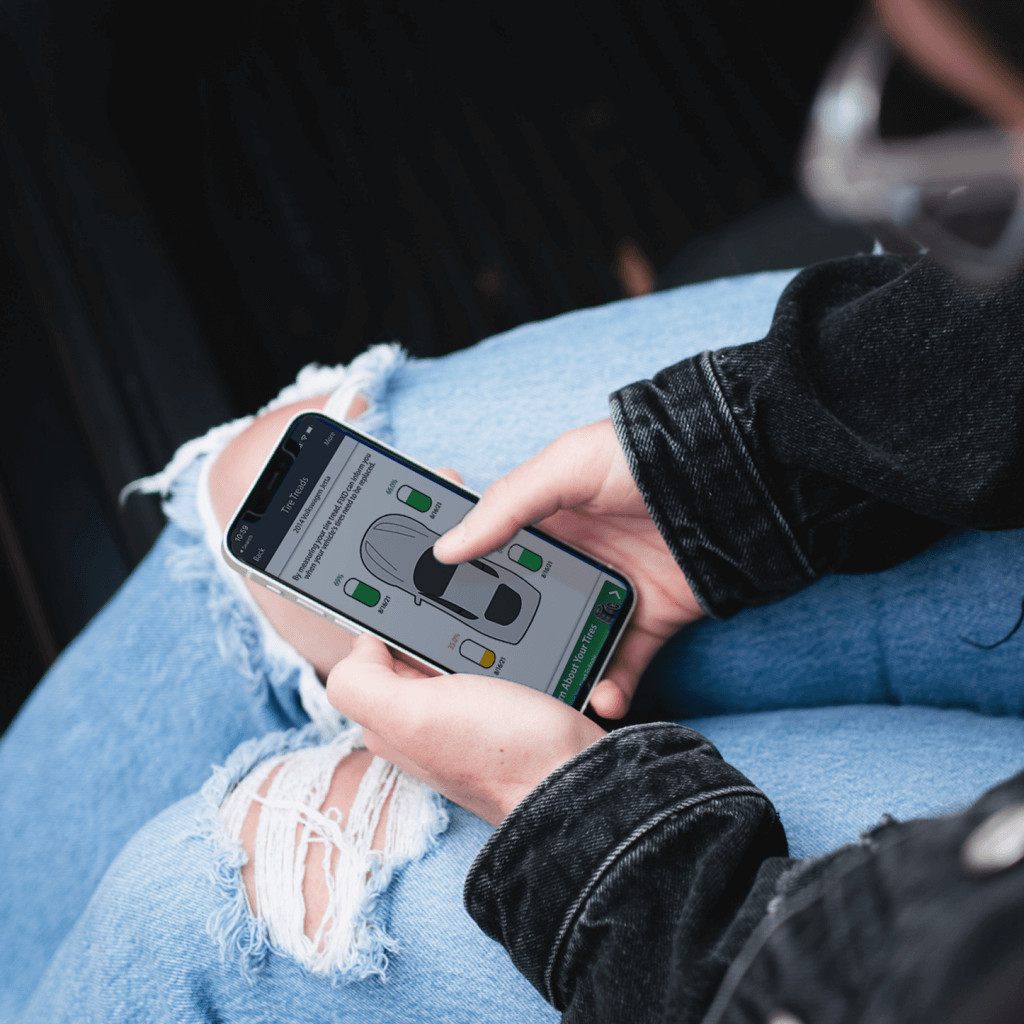
BlueDriver's clearest advantage is diagnostic depth. The official page says BlueDriver can read and clear check engine codes, enhanced codes such as ABS, airbag, transmission, and more, subject to vehicle support. It also says enhanced diagnostics are available for popular makes including GM, Ford, Toyota, Honda, BMW, Nissan, Mazda, Subaru, Hyundai/Kia, Mercedes, Volkswagen, and others, with coverage limits still applying.
That last clause matters. Enhanced diagnostics are not guaranteed on every vehicle. The BlueDriver page itself says all other features such as trouble code lookup and Repair Reports work on any vehicle with an OBD2 port, while enhanced coverage may not yet be offered on every vehicle. Tom's Guide made a similar point by listing specialty monitors that do not work with all vehicles as a limitation.
FIXD is not positioned the same way. Tom's Guide found that FIXD does a good job with engine light problems and maintenance reminders but is not as versatile as other devices, and it noted generic fault-code limitations in that older review. If ABS, airbag, SRS, TPMS, or transmission coverage is the reason you are shopping, BlueDriver is the product to research first.
Check 4: OBD2 compatibility is only the baseline
OBD2 support can sound broader than it is. The California Air Resources Board explains that all 1996 and newer gasoline and alternate-fuel passenger cars and trucks are required to have OBD II systems, with 1997 and newer diesel passenger cars and trucks also required to meet OBD II requirements. That baseline helps with emissions-related diagnostics, but it does not guarantee every consumer scanner can read every system on every vehicle.
This is where FIXD and BlueDriver serve different expectations. FIXD is useful when the main goal is decoding a check engine light and tracking routine maintenance. BlueDriver is useful when the buyer wants deeper supported diagnostic coverage and is willing to verify vehicle compatibility.
Before buying either scanner, write down the vehicle year, make, model, engine, fuel type, country market, and the system you care about. Generic check engine light reading is one job. ABS, airbag, transmission, TPMS, hybrid, diesel, or service reset work is another job.
Check 5: beginner-friendly does not mean the same thing for both tools
FIXD is beginner-friendly because it keeps the job simple. It tells the driver what the check engine light means, how serious it may be, and when maintenance is due. For a household that wants reminders across multiple vehicles, this can be more useful than raw diagnostic depth.
BlueDriver is beginner-friendly in a different way. It gives a guided app experience, Repair Reports, smog readiness, freeze frame, Mode 6, and supported enhanced code access without asking the buyer to choose third-party apps. It is still more technical than FIXD because the user may need to understand compatibility limits and diagnostic systems.
If the buyer never wants to think beyond a check engine light, FIXD may be easier to live with. If the buyer wants to understand what the car is reporting before paying a shop, BlueDriver offers more room to grow.
Check 6: use case should decide the purchase
Choose FIXD when the main problem is anxiety around warning lights and maintenance. It fits a driver who wants plain-language explanations, severity notes, service reminders, and a simple phone app. It can also fit a family member who will never read a Mode 6 monitor but will respond to an alert.
Choose BlueDriver when the problem is diagnostic uncertainty. It fits a DIYer who wants to scan codes, review possible causes, check emissions readiness, inspect freeze frame, read live data, and look for supported enhanced diagnostics. It also fits a used-car shopper who wants more context than a generic code definition.
If you are comparing BlueDriver to a more flexible app-based adapter, read our OBDLink MX+ vs BlueDriver comparison. If you are still deciding between BlueDriver models, use BlueDriver Pro vs Pro Next-Gen. If you need a broader shortlist, start with Bluetooth OBD2 scanners for DIY repairs.
Check 7: avoid buying either scanner for the wrong job
Neither scanner should be treated as a professional shop platform. If you need broad bidirectional controls, coding, key programming, battery registration across many makes, or guaranteed service reset coverage, compare a higher-tier diagnostic tool before buying a phone dongle.
FIXD can disappoint if you expected deep multi-system diagnostics. BlueDriver can disappoint if your exact vehicle does not support the enhanced system you wanted. The disciplined move is to define the repair or ownership job first, then buy the scanner that answers that job.
For compatibility risk, read our OBD2 scanner compatibility guide. For price timing and software-cost context, check the OBD2 scanner deals and software cost guide. For BlueDriver-specific coverage, read our BlueDriver review.
Verdict: which one should you buy?
Buy FIXD if your priority is simple car-health monitoring. It is the cleaner fit for drivers who want plain-English check engine light explanations, maintenance reminders, and a low promotional entry price, as long as they understand the Premium trial and subscription terms before checkout.
Buy BlueDriver if your priority is diagnostic depth. It is the cleaner fit for DIY owners who want Repair Reports, Mode 6, smog readiness, live data, supported enhanced diagnostics, and the official no subscription or add-on model.
The decision should feel practical, not emotional. FIXD is for simpler ownership alerts. BlueDriver is for deeper guided diagnostics. The wrong choice is the one that does not match the warning light, vehicle system, and level of repair work in front of you.
FAQ
Is BlueDriver better than FIXD?
BlueDriver is better for buyers who want deeper diagnostics, supported enhanced codes, Repair Reports, Mode 6, smog readiness, and no subscription model listed on the official page. FIXD is better for simpler check engine light explanations, maintenance reminders, and car-health monitoring.
Does FIXD require a subscription?
FIXD can provide basic app functions with the sensor, but FIXD Premium is a paid subscription after trial if you keep Premium features. The App Store listing checked on April 30, 2026 showed $12.99 monthly and $99.99 yearly Premium options.
Does BlueDriver require a monthly fee?
The official BlueDriver page checked on April 30, 2026 said there are no in-app fees or add-ons and that one purchase gets the app features. Product terms can change, so verify the current page before buying.
Can FIXD read ABS or airbag codes?
Do not buy FIXD for ABS or airbag diagnostics unless FIXD support explicitly confirms the exact capability you need. FIXD is mainly positioned around check engine light explanations, maintenance reminders, and car-health monitoring. BlueDriver is the better research path for supported enhanced codes.
Which scanner is easier for beginners?
FIXD is easier for a driver who only wants simple warning-light explanations and maintenance reminders. BlueDriver is still approachable, but it is more useful for buyers willing to check compatibility and use deeper diagnostic features.
Reference Sources
- FIXD official landing page
- FIXD OBD2 Scanner App Store listing
- BlueDriver Pro official product page
- Tom's Guide BlueDriver Pro review
- Tom's Guide FIXD review
- California Air Resources Board OBD II fact sheet
Title Candidates
- FIXD vs BlueDriver: 7 Practical Checks Before You Buy a Bluetooth OBD2 Scanner in 2026
- FIXD or BlueDriver? The One Scanner Question Most Buyers Skip
- The FIXD Subscription Check to Make Before You Compare BlueDriver
- Before You Buy FIXD, Compare These 7 BlueDriver Tradeoffs
- FIXD vs BlueDriver for Check Engine Lights: Simple Monitor or Deeper Scanner?
Editorial note: This article is source-backed and does not claim first-hand bench testing. See the Premerinn about page and editorial policy for our review standards.